20
OSD Menu
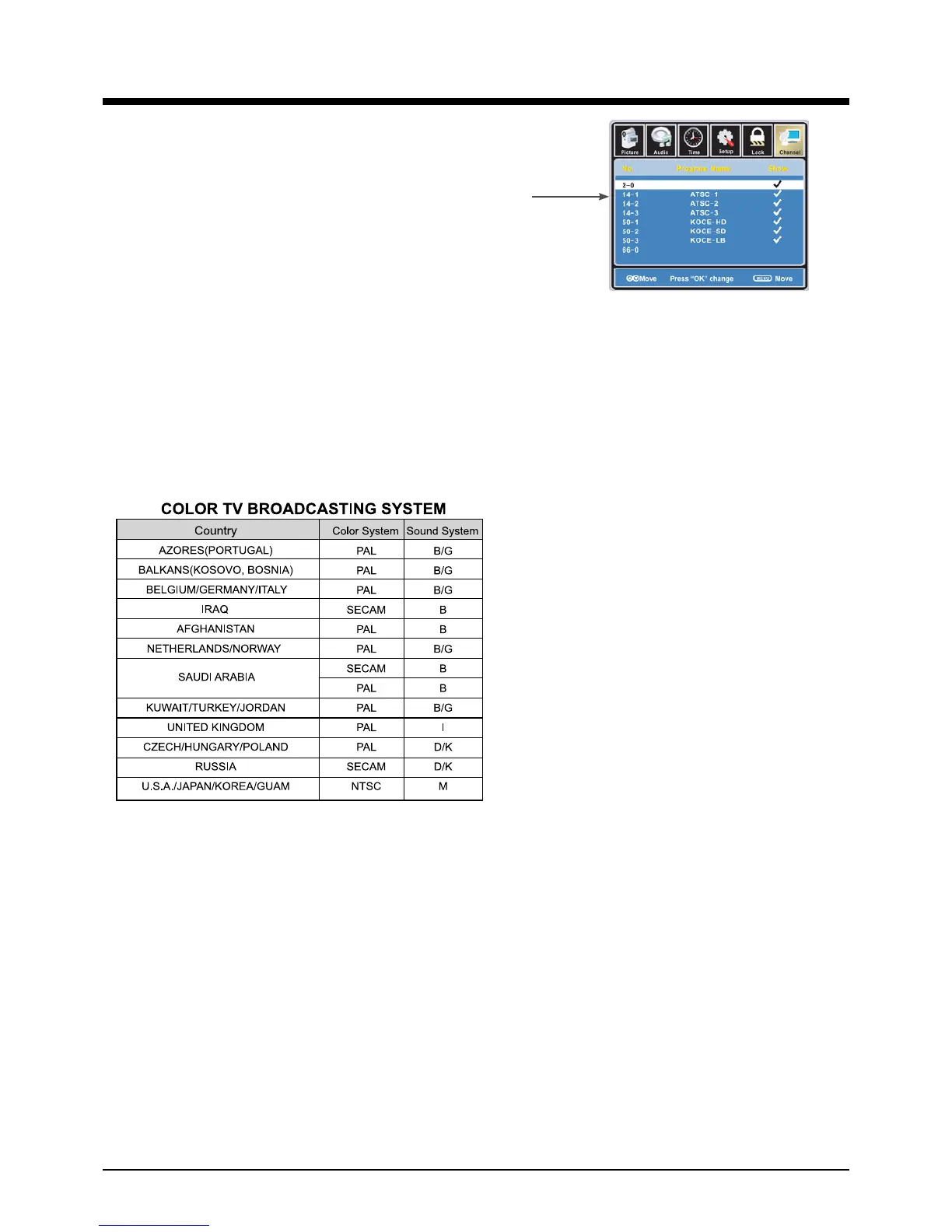
Show/Hide: Allow you to show or hide the channels.
Use
ġĢ
button to highlight the desired item, then press
OK button to show or hide the highlighted channel.
Channel Label: Allow you to setup a label for the channel.
Press
!
button to select the position of the table, and press
ġĢ
button to select the
words.
TV Sound System: Allow you to select TV sound system.
After selecting Nation System and TV sound system according to your
living area,proceed Auto Scan



 To Next Page