Page 2 - Fehler! Formatvorlage nicht definiert.. Fehler! Formatvorlage nicht definiert.
AZUREM2.DOC 18.03.1999 12:40
1.2 Finding your way about on the Azure 2000
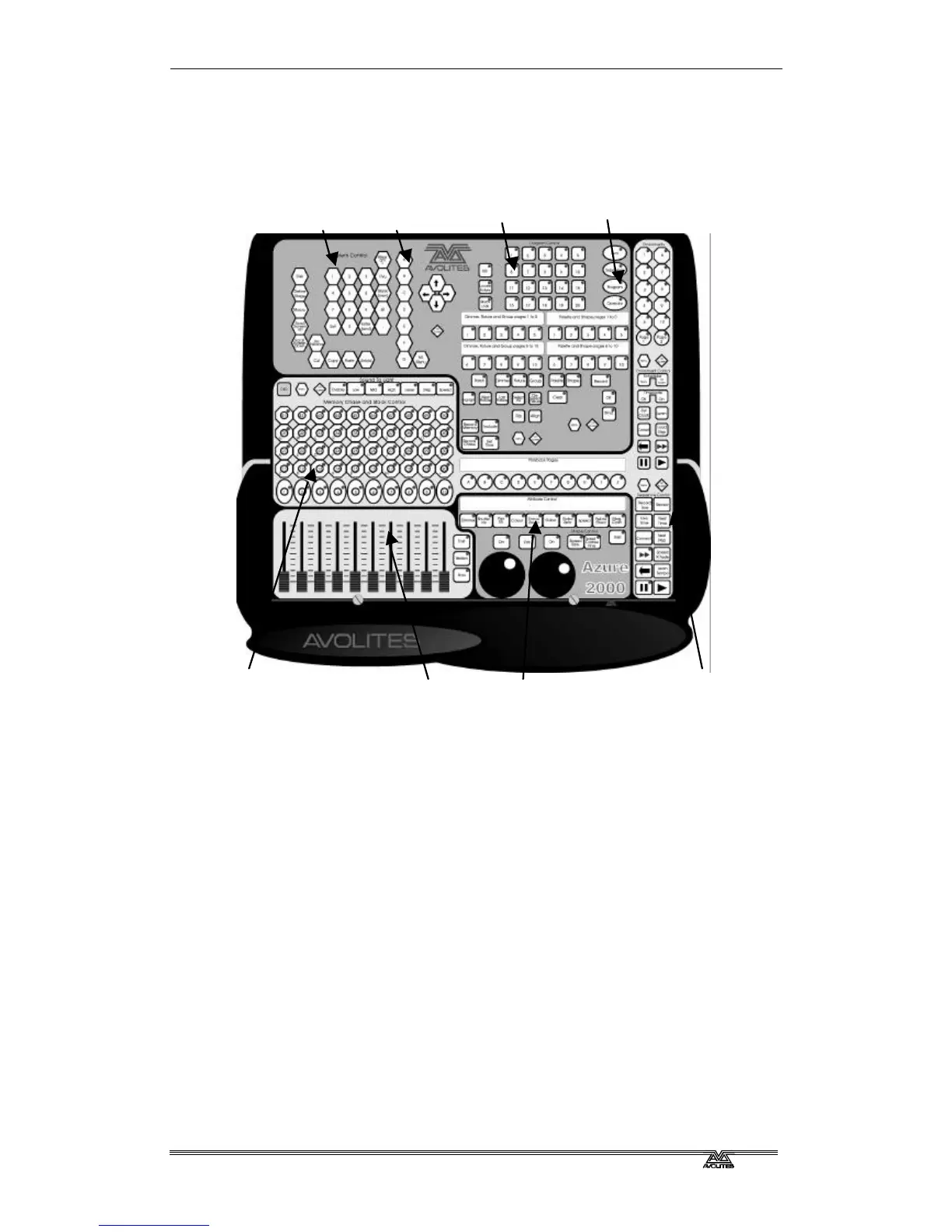
The controls on the Azure are grouped together so that all the controls you
need to carry out each function are near to each other.
?? The System and menu buttons are used when you are setting up the
console, and to enter numeric values.
?? The menu softkeys are used to select one of the options from the
menus shown on the VGA display.
?? The fixture selection buttons allow you to select which fixtures or
dimmer channels you want to control, and also lets you set up the
fixtures and select preset positions, colours, gobos and shapes.
?? The desk mode buttons set the operational mode of the console.
?? The playback buttons control memories and are ideal for strobe or
shutter chases; 40 buttons are available on each page.
?? The playback faders allow intensity control of a further 10 memories.
To the right of the playback buttons are 10 playback page buttons,
giving a total of 500 playbacks.
?? The fixture control buttons and wheels allow you to control the
fixtures you have selected.
?? The environment and sequence control area is used for control of
chases, timed shows, and environments.
Playback faders



 To Next Page