- 61 -
Zone / OC param.
ENT
Zone Nr. :
1 (1 .. 32)
Zones/Open Collector Parameters
FAST channel
3 (1 . . 8)
SIA Code
2 (1 . . 16)
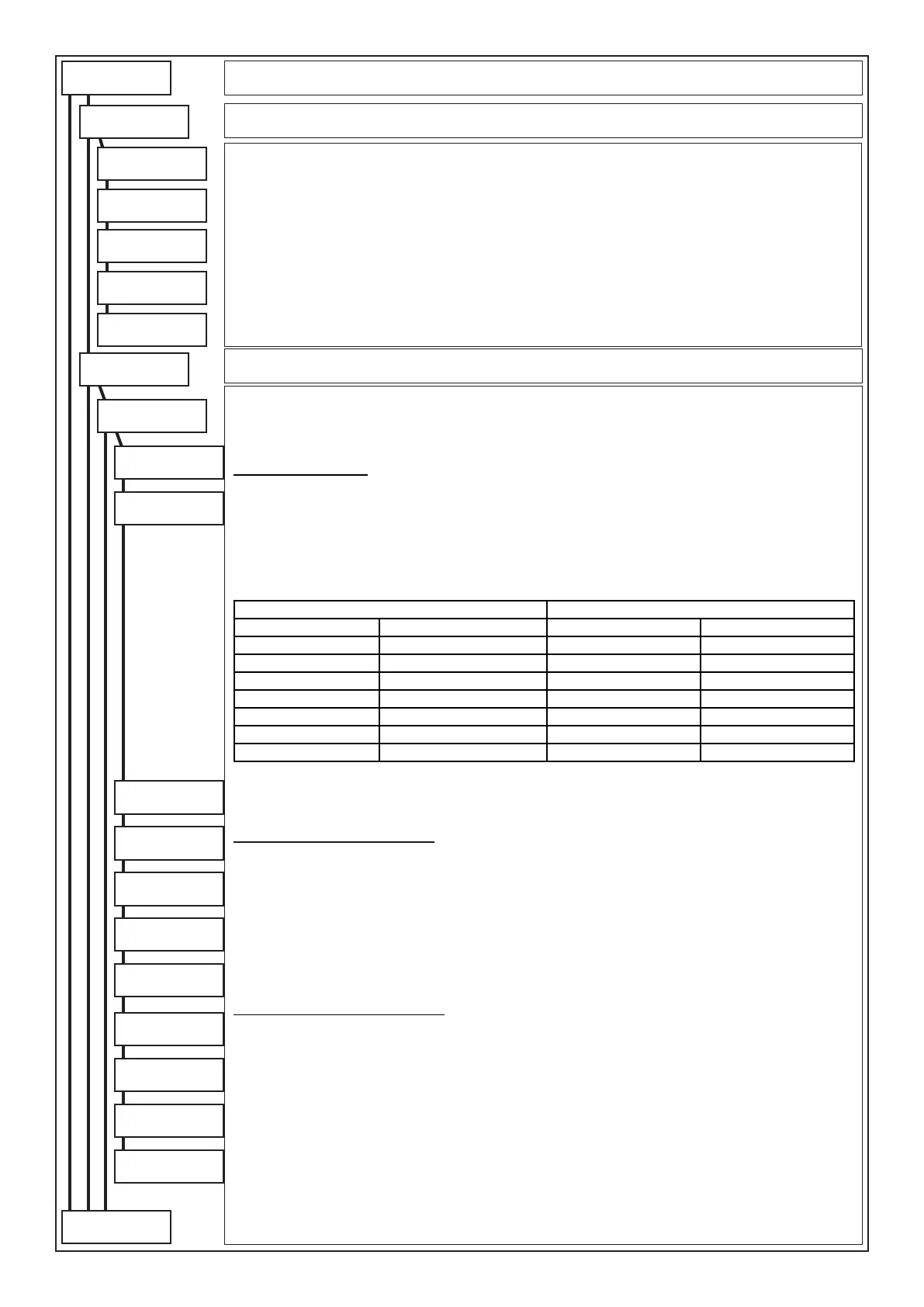
In this Menu all codes identifying the type of event to be transmitted for every control panel software zone and for
every telephone protocol are dened.
It is also possible to customise the vocal alarm message of the single zones or state of the O.C. outputs using the
available vocabulary (see telephone table).
Zone number (1..32): Select the zone to be customised and subsequently press (ENT).
ZONES customisation:
FAST channel: The values of the channels to be entered vary from 1 to 8.
Example: by receiving this code, the Fast Format receiving control panel opens, in case of alarm, a channel
corresponding to the programmed code and closes it for resetting of the zone.
SIA coding (also valid for VOCAL protocol): Depending on the code set, the message relating to the type of
zone varies, both in the vocal communications and in those addressed to the Digital receivers (SIA; SIAHAYES;
Contact ID).
(see “Example of telephone programming”)
The assignable SIA codes are:
Voice communication of zone codes (Sia) WinRec 3.2 or above
Code 1 GENERAL Code 9 IRRIGATION Code 1 “ “ Code 9 SPRINKLER
Code 2 THEFT Code 10 FLOODING Code 2 THEFT Code10 LIQUID LEVEL
Code 3 GAS Code 11 TEMPERATURE Code 3 GAS Code11 COLD
Code 4 FIRE Code 12 TAMPER Code 4 FIRE Code12 TAMPER
Code 5 TEMPERATURE Code13 BURGLARY Code 5 TEMPERATURE Code13 SILENT
Code 6 DOCTOR Code14 TECHNICAL Code 6 DOCTOR Code14 TECHNICAL
Code 7 PANIC Code15 MASKING Code 7 PANIC Code15 MASKING
Code 8 EMERGENCY Code 8 EMERGENCY
For every input zone, the control panel is able to recognise and, therefore, automatically send, four different states:
a) ALARM b) RESET c) LINE EXCLUDED d) LINE RE-INCLUDED
Note: By varying this coding the nature of the transmitted vocal messages is varied
Zones automatic communications
Says alarm/reset (communicates alarm/reset): By setting “YES” the word ALARM or RESET is communicated
in vocal or included in the SMS
Says zone code (communicates the zone coding): By setting “YES” the wording included in “SIA Coding” is
communicated in vocal or in the SMS
Says zone speech (communicates the telephone zone): By setting “YES” the word ZONE is communicated in
vocal or included in the SMS
Says zone num. (communicates zone number): By setting “YES” the ZONE NUMBER is communicated in vocal
or included in the SMS
Send string SMS (sends zone strip on SMS): By setting “YES” the associated zone strip is included in the
sending of the SMS
Zones customised communications
By entering a value different from zero (0) in the programming steps “Vocal word 1 - 2 - 3 - 4”, it is possible to customise
the vocal alarm communication of the control panel with a maximum of 4 customised words. (See telephone table)
Vocal word 1: By setting a numerical value different from “0”, the control panel will communicate the word associated
to the value (see telephone table)
Vocal word 2: By setting a numerical value different from “0”, the control panel will communicate the word associated
to the value (see telephone table)
Vocal word 3: By setting a numerical value different from “0”, the control panel will communicate the word associated
to the value (see telephone table)
Vocal word 4: By setting a numerical value different from “0”, the control panel will communicate the word associated
to the value (see telephone table)
Press (CLR) to vary
Enter number to be set
Press (ENT) to conrm
FAST channels
ENT
Fast Channels
FAST arm/disarm
2 (1 . . 8)
FAST tamper
1 (1 . . 8)
FAST mains fault
4 (1 . . 8)
FAST re
5 (1 . . 8)
Programming of all Channels to be activated for the signalling in Fast Format that do not relate to the zone events.
Below are all the Menus that allow entering the various parameters:
• Fast Format Channel for control panel Armed/Disarmed signal.
• Fast Format Channel for alarm signal of the Tamper dedicated zone.
• Fast Format Channel for alarm signal of the Fire dedicated zone.
• Fast Format Channel for microprocessor Watch-Dog signal.
• Fast Format Channel for signalling of No mains fault.
Press (CLR) to vary
Enter number to be set
Press (ENT) to conrm
FAST watch-dog
3 (1 . . 8)
Says alarm/rest.
YES
Says zone code
YES
Says zone speech
YES
Says zone number
YES
Vocal word 1
0 (0 .. 415)
Vocal word 2
0 (0 .. 415)
Vocal word 3
0 (0 .. 415)
Vocal word 4
0 (0 .. 415)
Send string SMS
YES
Dialler
to following
page
from previus
page



 To Next Page