PAGE 29
Windows PC Software
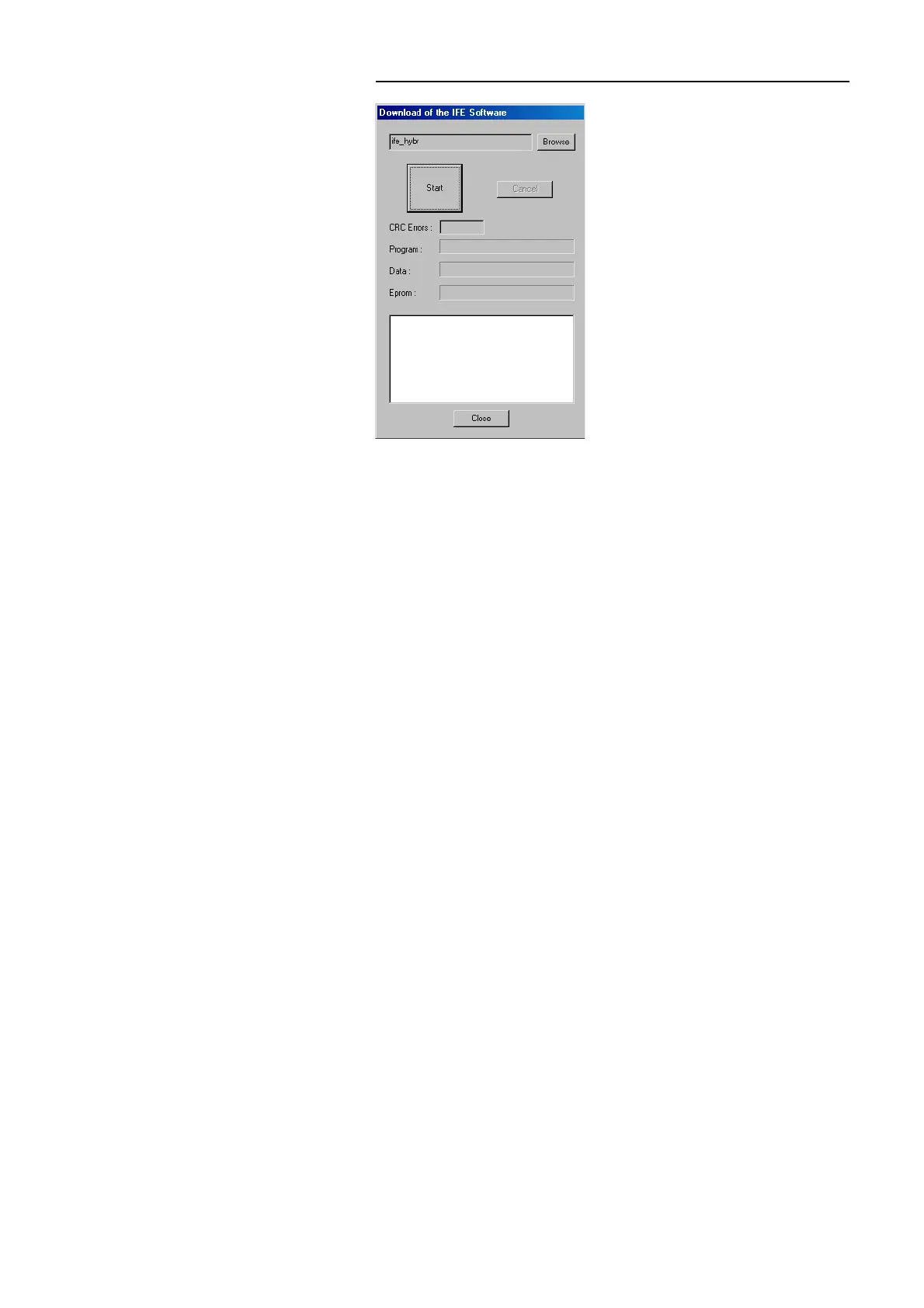
FIG. 11 SOFTWARE DOWNLOAD
To download new firmware, choose the file IFE_HYBR with help of the
Browse button.Then press the Start button to start the download. This proce-
dure takes approximately 5 min. Afterwards, a reset of the system is done.
Close the window with the Close button. After booting the system, the new
functions are available.



 To Next Page