PAGE 28
Windows PC Software
4.7 Menu Administration
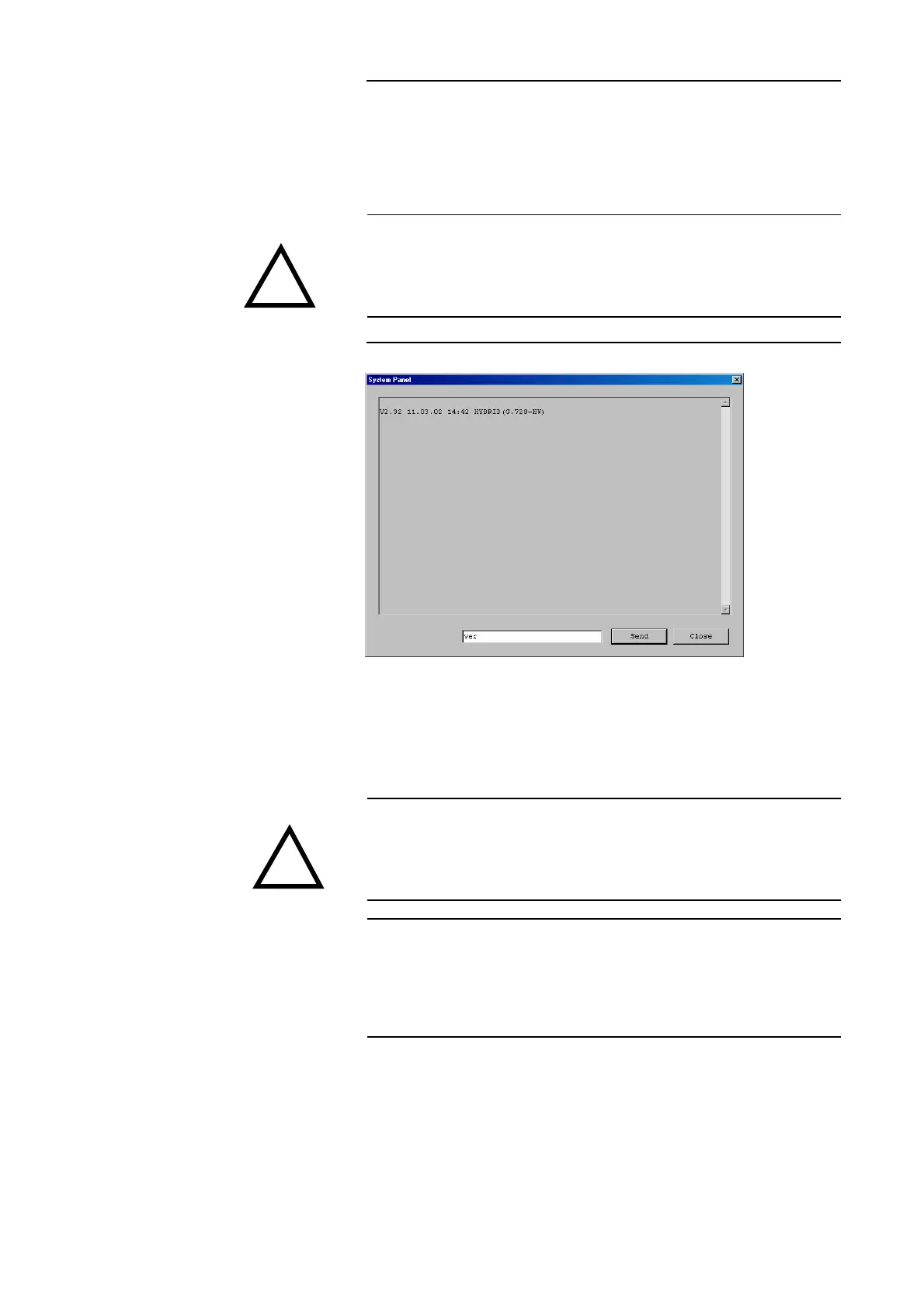
4.7.1 Submenu System Panel
Clicking Administration -> System Panel opens the System Panel. This is
only for service purposes. Entries should only be made here by a technician.
FIG. 10 SYSTEM PANEL
4.7.2 Submenu Software Download
With Administration -> Software Download open the window to load new
Firmware on the system.
ATTENTION Faulty entries can lead to a system failure.
Only insert commands when asked to do so.
ATTENTION New software downloaded, for example, from our internet website always
includes the Windows PC Software and the Firmware for the System.
When making an update both the PC Software and the Firmware must be up-
dated.
NOTE The latest software can be found on
http://www.avt-nbg.de
Then switch to Service and Software Registration.
The software has the Ident.No. 430144
!
!



 To Next Page