15
1.6 Change Default Account
To ensure your account safety, please access the camera after network configuration to change the default user
name and password with new one you prefer.
1.6.1 From Web Browser
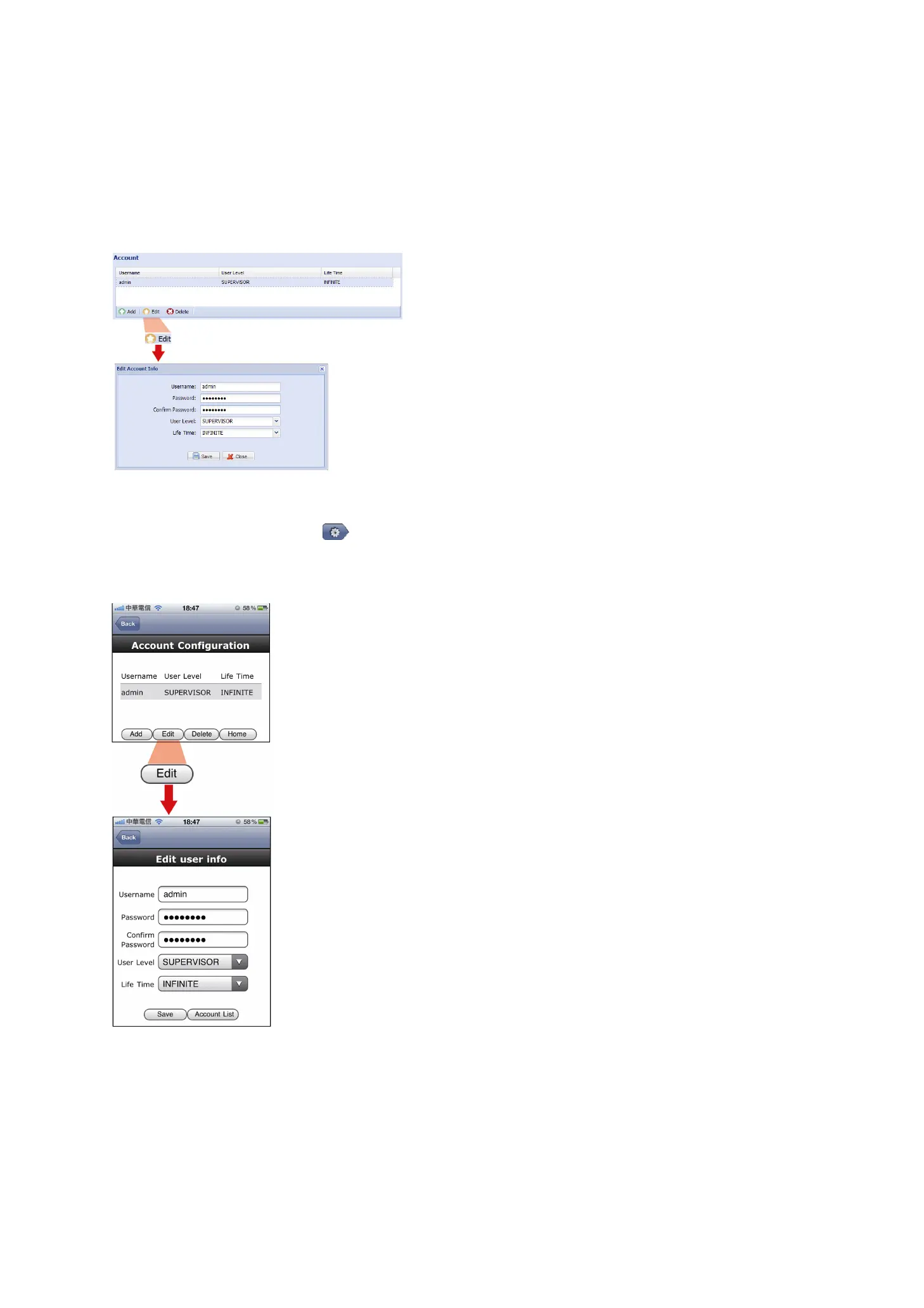
Log into the camera, and select “Config.” “General” “Account”.
Select the default account “admin”, and click “Edit” to change the default password.
1.6.2 From iPhone / iPad
Log into the camera, and click “ ” on the top right corner to enter the system configuration page.
Select “Advance Setup” “Account”. Then, select the default account “admin”, and click “Edit” to modify the
default password.



 To Next Page