- 12 -
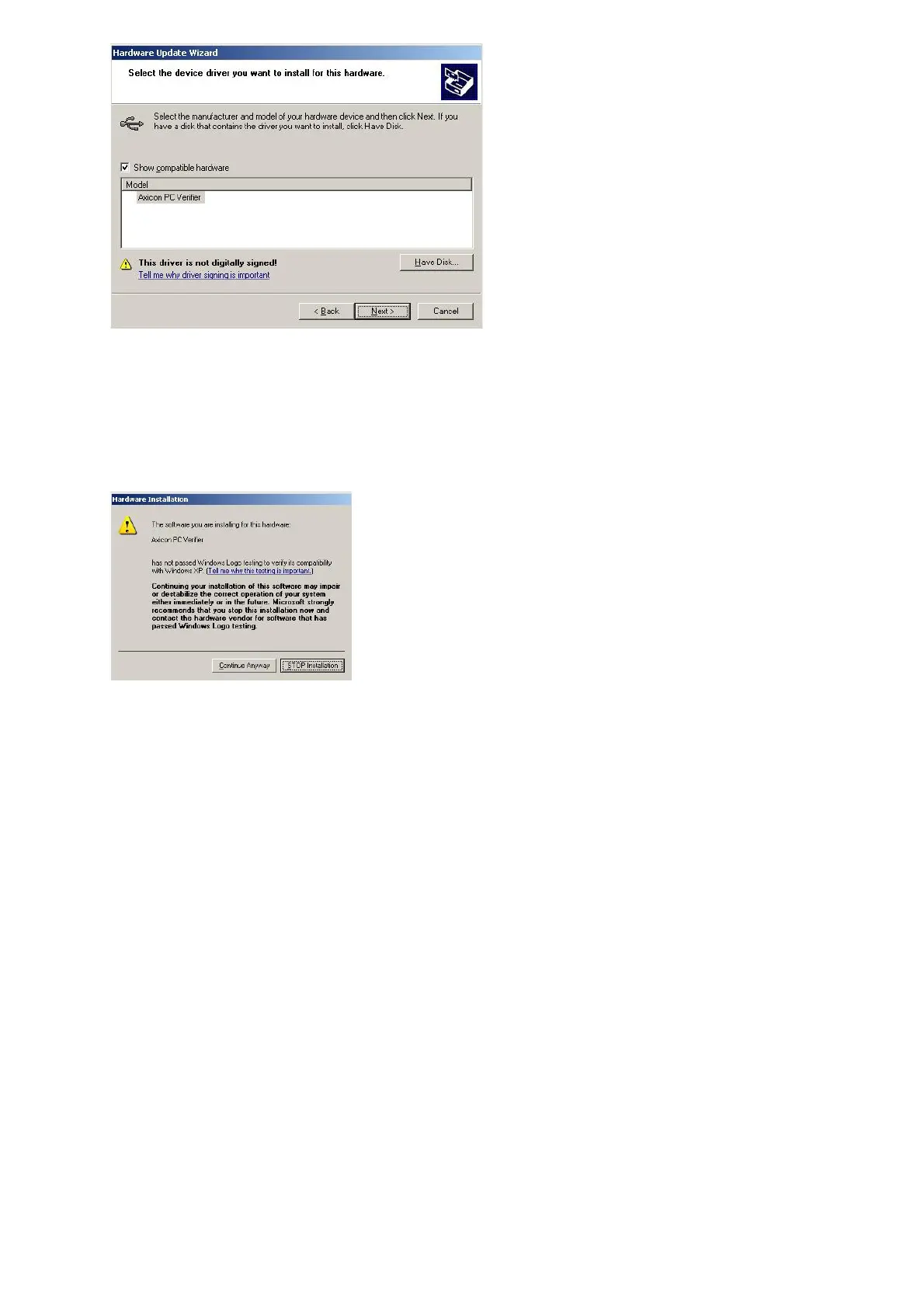
The Hardware Wizard screen should now look like the one above and the
next step is to click the “Next” button to begin the driver installation.
A dialogue will pop up asking the user to confirm whether to continue the
installation or not.
Click on the 'Continue Anyway' button.
At this point, the driver files will be copied to the appropriate locations
and as soon as the installation finishes the verifier hardware will be heard
to beep as it powers up and becomes ready to use.
The Axicon Verifier software can now be launched and the software will
find and connect to the verifier hardware.



 To Next Page