- 23 -
specific features, such as running a Product lookup database, validation
of the structure of variable weight items, or identifying the formats of
European pharmaceutical codes – and a whole lot more.
The Plug-ins can be installed from the CD by using the “Install Optional
Plug-ins” – Please be careful to only install the plug-ins that you need
otherwise some confusing results may be displayed. . If you inadvertently
install Plug-ins you do not need, simply ensure the box alongside remains
unticked and it will be ignored.
Please contact Axicon or your local Axicon reseller for more information
about the range of available plug-ins and their applications.
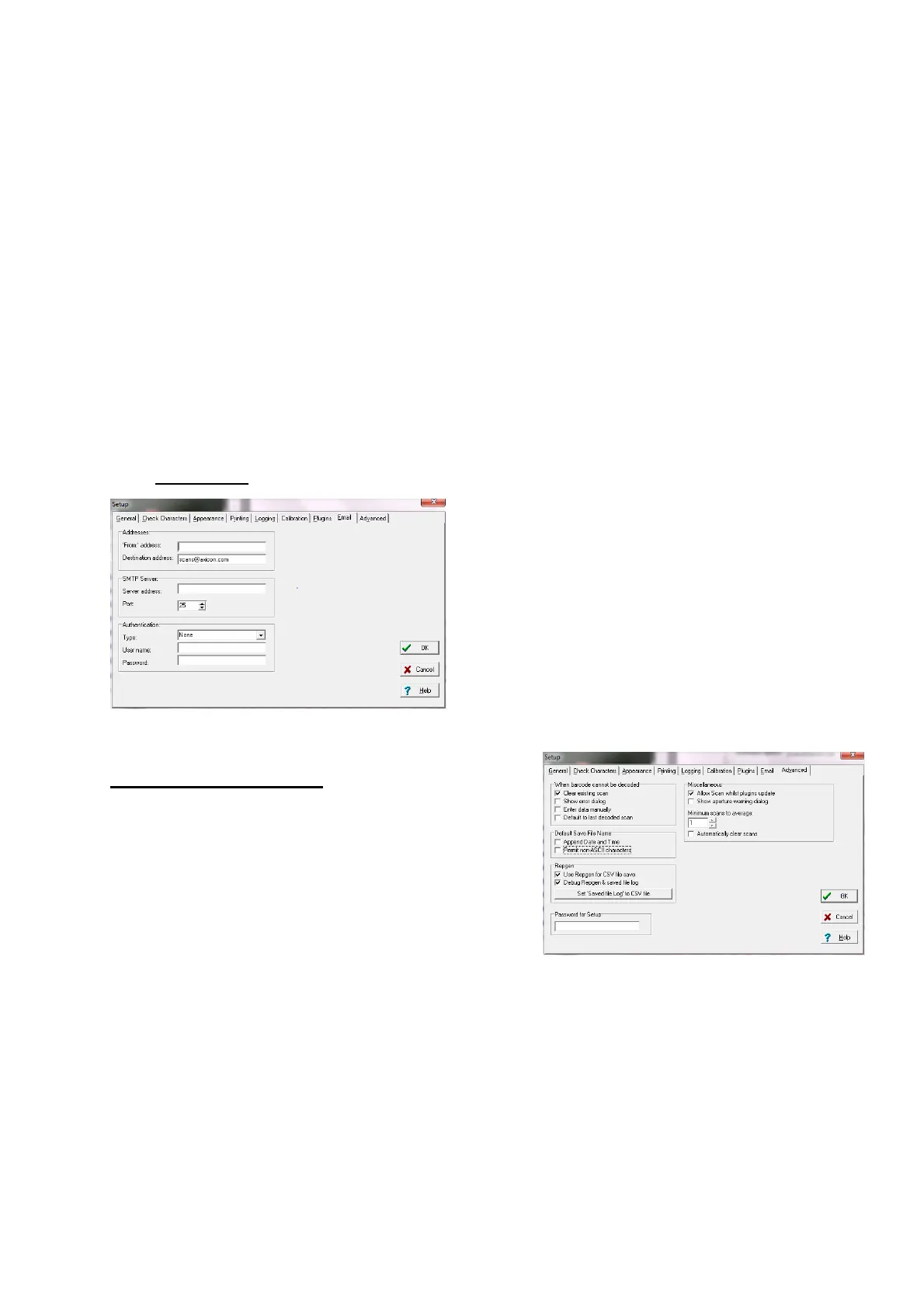
The “E-Mail”
tab
To be used only if you want data to
be automatically e-mailed to a third
party.
The “Advanced” Tab
For most users, the key part of this screen
is the ability to put password control on
all of the set-up parameters to eliminate
the risk of unauthorised changes to the
saving or printing options.
Please do remember to keep a note of the password in a safe place.
Remember: There are many great features in the Axicon verifier – this
guide has been provided just to “Get you started”. We strongly advise all
users to take advantage of the Axicon Training Courses (where offered) so
that they can utilise all of the beneficial features of the verifier.



 To Next Page