- 22 -
The files saved through this process can be regarded as “audit quality”
records of the verifications made and can also be used for remote
diagnostics purposes.
The files can be saved automatically with a filename comprising the
decoded number, date and time, sequentially numbered or by using a
dialogue box.
The centre part of this screen is used specifically to drive external
programs automatically from the verifier.
The bottom of this screen is saving data in a format suitable for legacy
purposes only.
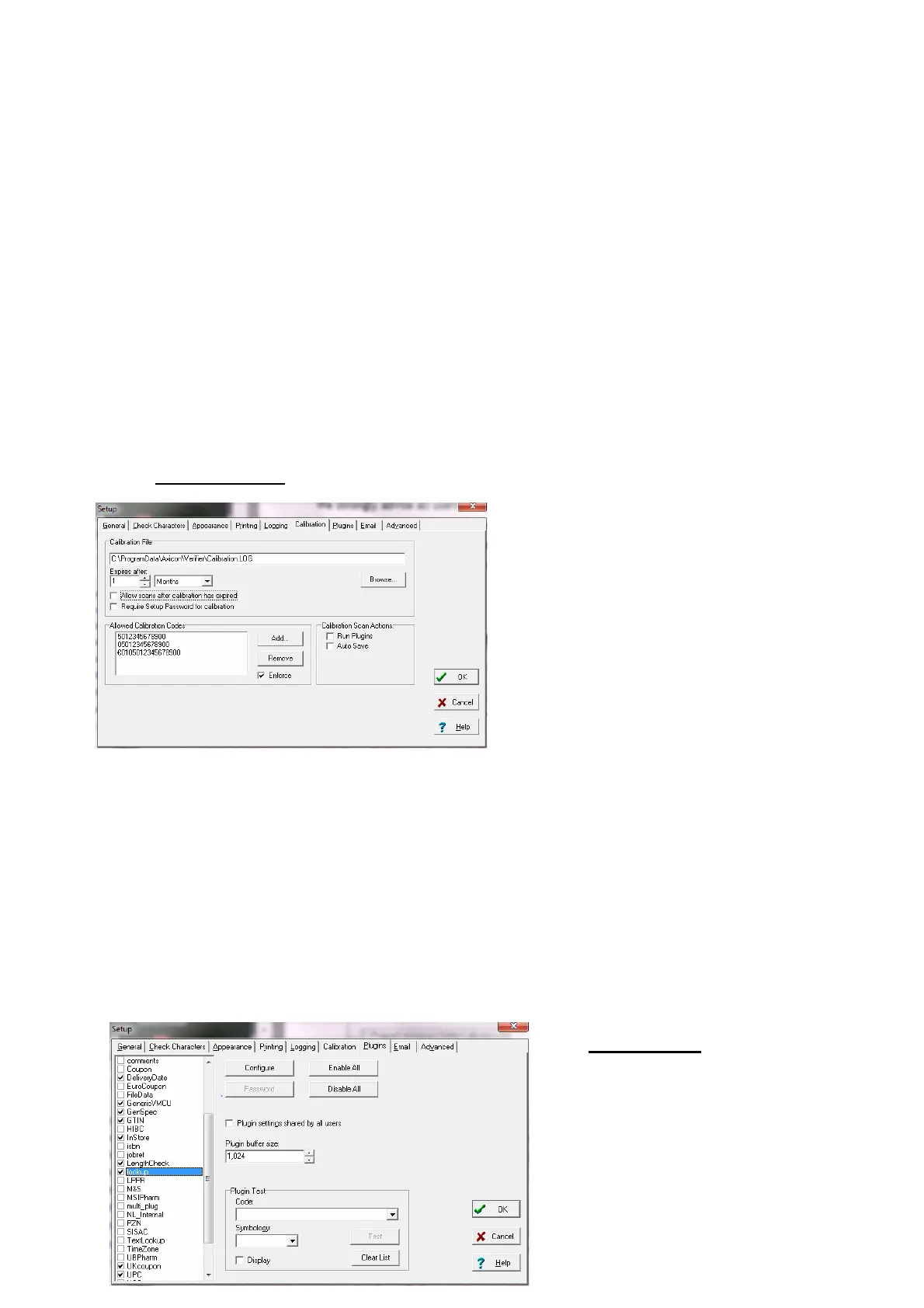
The “Calibration
” tab
The user can define the location
for the storage of the calibration
records – this should be in a
directory where the user has both
read/write access.
The verifier will store details of
each and every time that the
verifier has been calibrated on that PC.
Features are included to stop users inadvertently or incorrectly using a
wrong barcode for calibration purposes.
Axicon recommend that under normal circumstances user calibration is
carried out on a monthly basis (more frequently where there are high
dust levels or significant changes in ambient temperature.
The “Plug-ins”
Tab
Plug-ins are an important
feature of the Axicon verifier
– allowing it to be tailored to
industry specific or user



 To Next Page