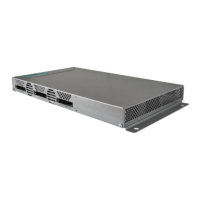
Operation instructions | MK 8-00 | MK 16-00 | MK 8-06 | MK 16-06
40 2018-10-05 | Technical improvements, changes in design, printing- and other errors expected.
Edit NIT
Click the pen symbol next to a line.
The fields can be edited.
Click on the plus sign in the column header.
An additional line is inserted.
Enter plausible data in the fields, matching the other values.
Click on the plus sign next to the cell.
The line will be adopted.
Click the wastebasket icon next to a line.
The line is deleted.
Upload NIT to the devices
Select the devices you want to upload to.
Click UPDATE.
The data is uploaded and stored in the headend.
Reset the NIT
Resetting the NIT is necessary in certain circumstances.
Example:
Three devices are used.
Add cell
Edit cell
Delete cell
Adopt cell

 To Next Page
 Loading...