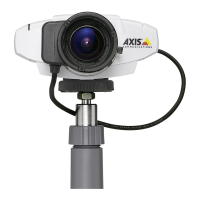
PRODUCT REVIEW GUIDE AXIS 211A Network Camera
3.6 The user interface
This is the camera interface with a video stream being presented. If you have any
questions throughout your use, you can always select Help. This will provide you with
context sensitive help, based on your current usage of the camera.
• Click the Speaker and Microphone buttons to switch the sound off and on for
the speaker and microphone, respectively.
• Use the sliders to control the volume on the speaker and microphone. The
volume settings can be between 0 and 100.
Axis Communications Last updated: May 1, 2005
8



 To Next Page