5
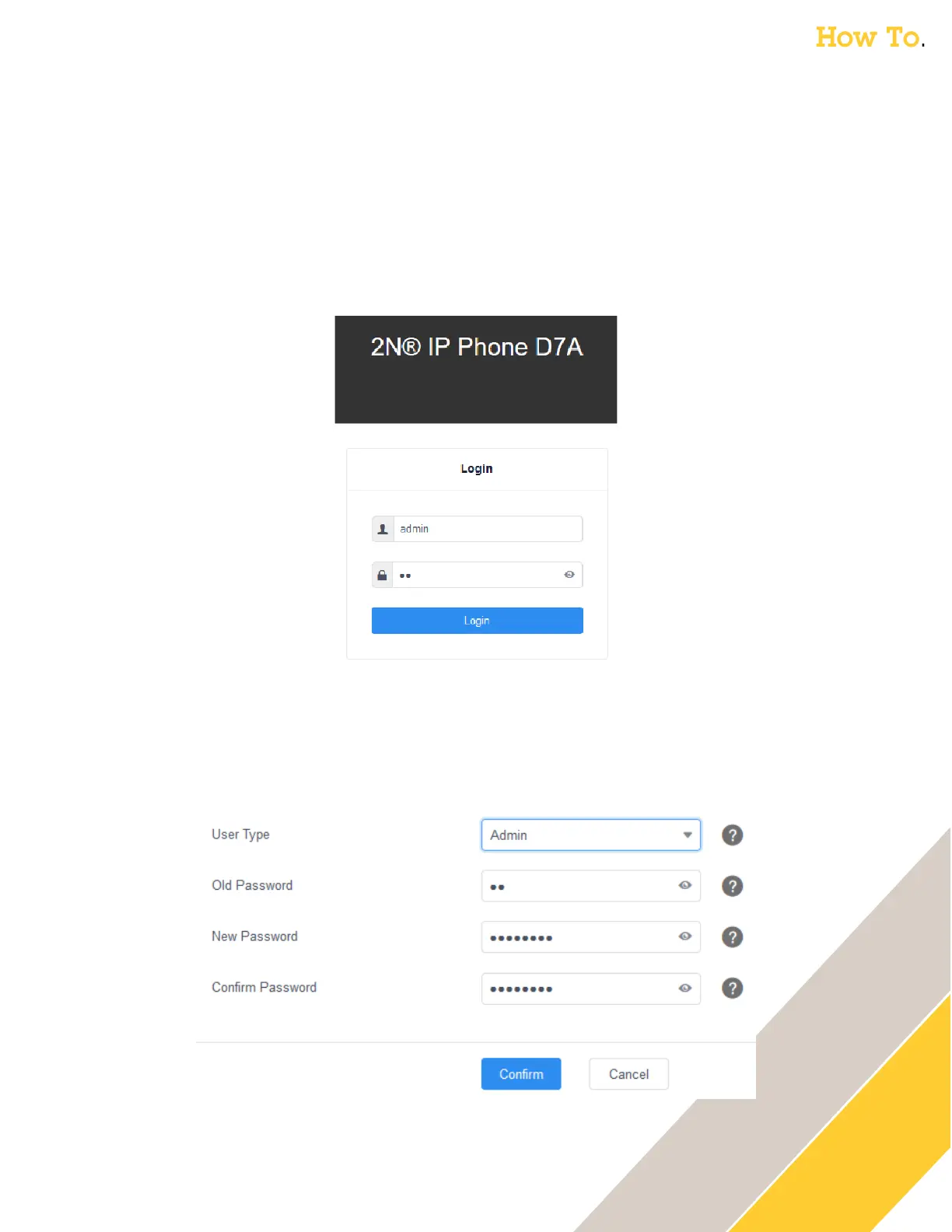
Connect to the web GUI of the phone
The next step is done through the web browser on your computer
1. Type the IP Address (WAN IP noted from previous step) of the phone into your web
browser.
2. The first time you login, use the following credentials
o User: admin
o Password: 2N
3. You will then be prompted to change the password
o The password must be at least 8 characters long and contain at least 1 uppercase letter, 1
lowercase letter, and 1 digit.
4. Set a New Password and click Confirm.



 To Next Page