19
Key Lock
Press button to select Key Lock, then presVŻŹEutton to select Off or On.
When Key Lock is on, you can’t use the Key panel buttons on the back of the TV.
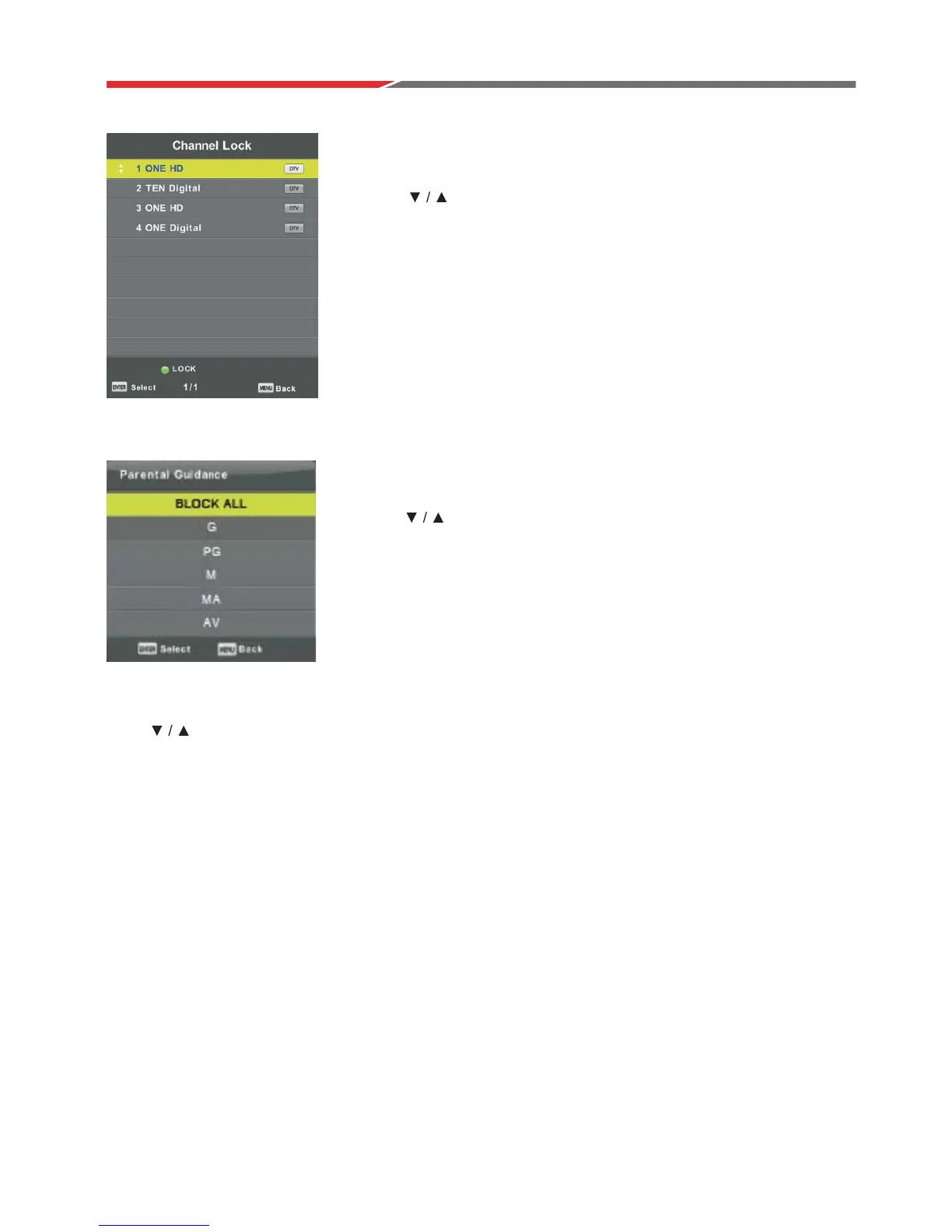
Channel Lock
Press button to select Channel Lock,
then press Enter button to enter sub-menu to select.
Press button to lock or unlock the channel.Green
Parental Guidance
Press button to select Parental Guidance,
t
the appropriate rating.
hen press Enter button to enter sub-menu to sele
ct



 To Next Page