18
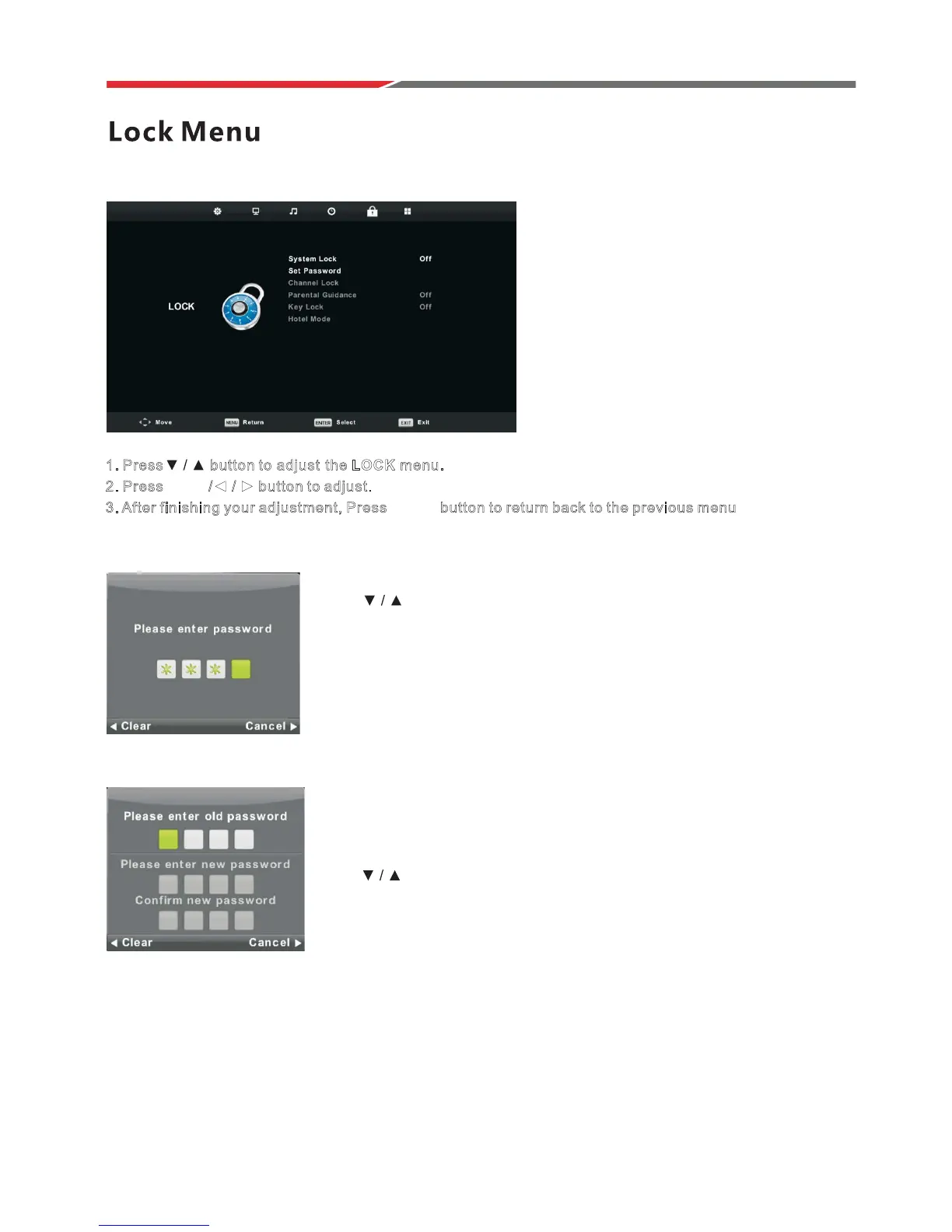
System Lock
Press MENU button to display the main menu.
PresVŻŹEutton to select Lock in the main menu.
1
. Press button to a djust t he LOCK menu.
2. Press EEnntteerrŻ Ź button to adjust.
3. After finishing your adjustment, Press MMEENNUU button to return back to the previous menu.
Press
button to select System Lock.
then press Enter button.
please call the service centre.
Defaultpasswordis0000. If forgotten,
Set Password
Press button to select Set Password,
then press Enter button to enter sub-menu to set new password.



 To Next Page