26
Media OPERATION
Note: Before operating Media menu, Plug in USB device, then press SOURCE button.
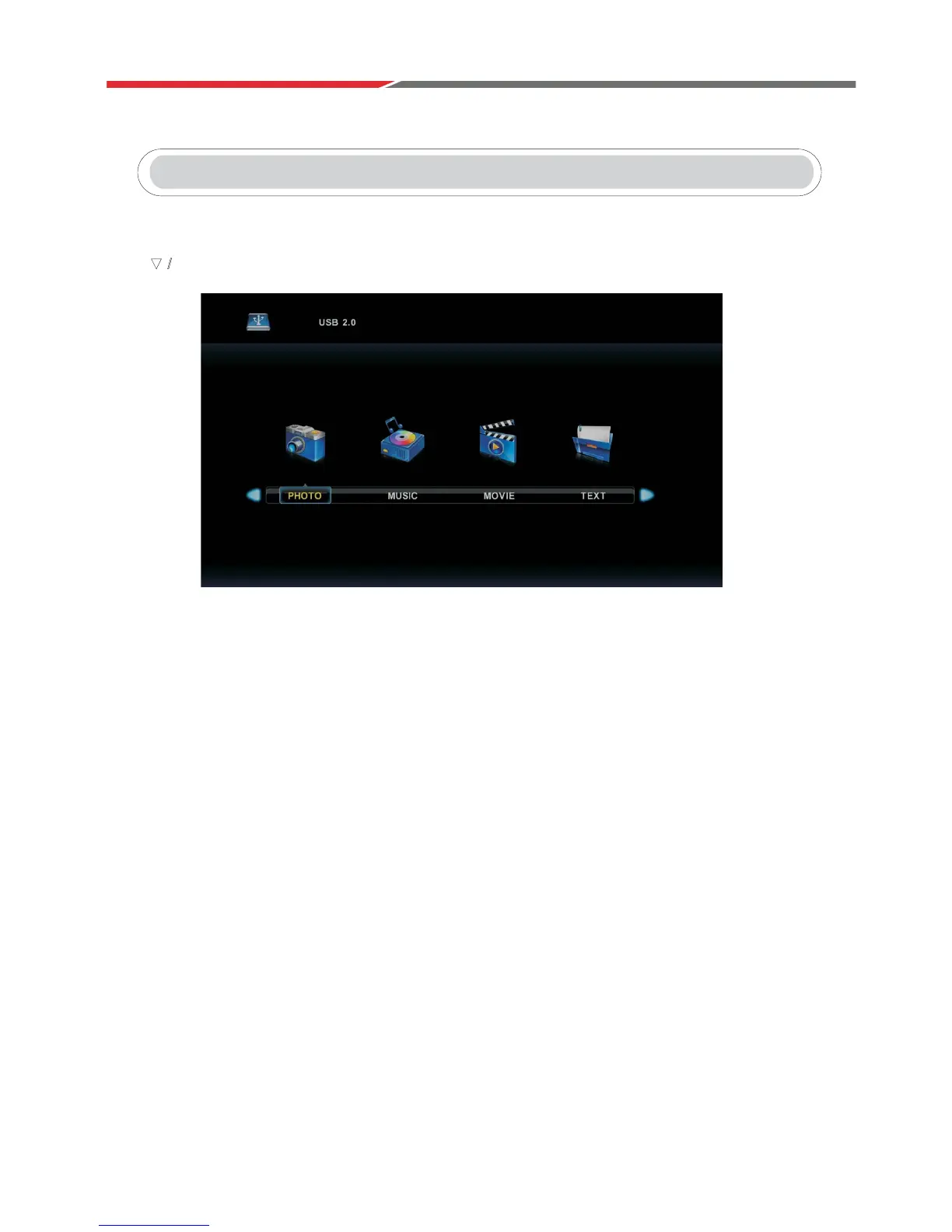
Press button to select Media in the Source menu, then press Enter button to enter.
3UHVVŻŹEXWWRQWRVHOHFWthe type of media you wish to view in the Media menu,
then press Enter button to enter.
3UHVVŻŹEXWWRQWRVHOHFWC, then press Enter button to view the contents of the USB device.
ź Ÿ



 To Next Page