35
FUNCTION DESCRIPTION
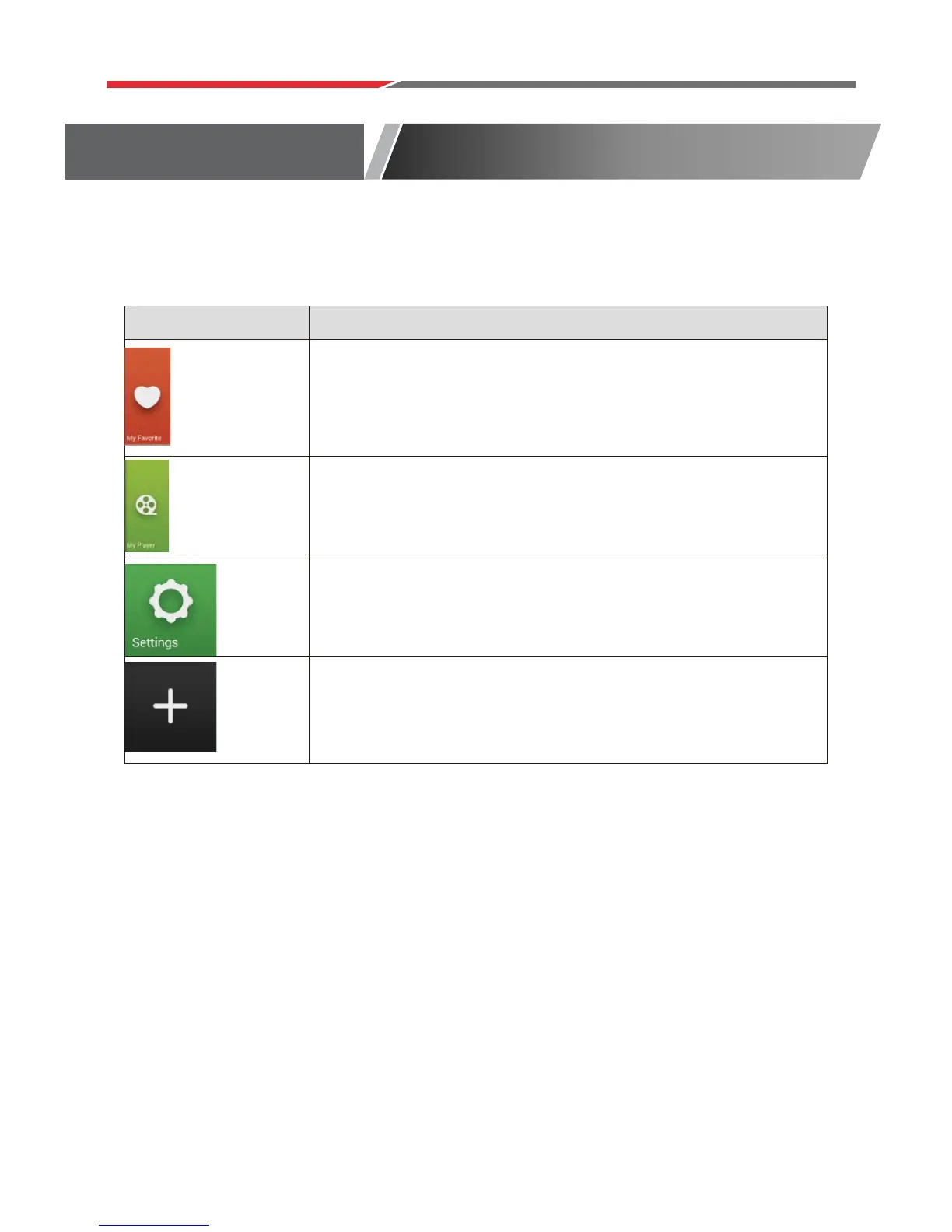
Add your favorite APPS to this directory.
Add your media players to their directory.
The Settings screen contains most of the customizing and
configuration options, such as language, aspect ratio and
network settings.
Create APP shortcuts on the main launcher.
Main Launcher



 To Next Page