6
Press MENU button to display the main menu.
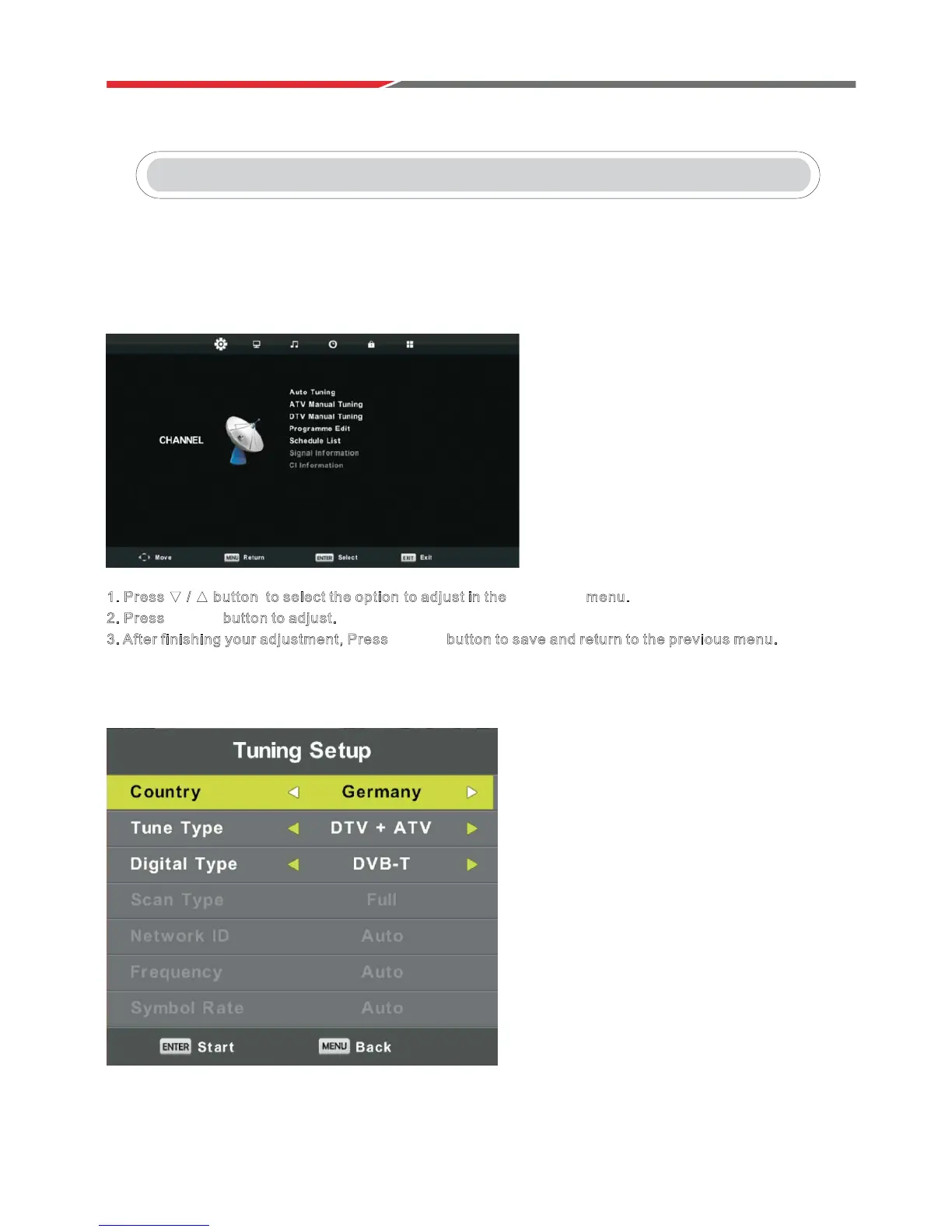
PresVŻŹEutton to select CHANNEL.
Channel Menu
1. Press ź Ÿ button to select the option to adjust in the CHANNEL menu.
2. Press ENTER button to adjust.
3. After finishing your adjustment, Press ENTER b utton to save and return to the previous menu.
Auto Tuning
PresVźŸEutton to select Auto Tuning, then press ENTER / ŹEutton to enter.
Main Menu Operation
In DVT Source:



 To Next Page