32
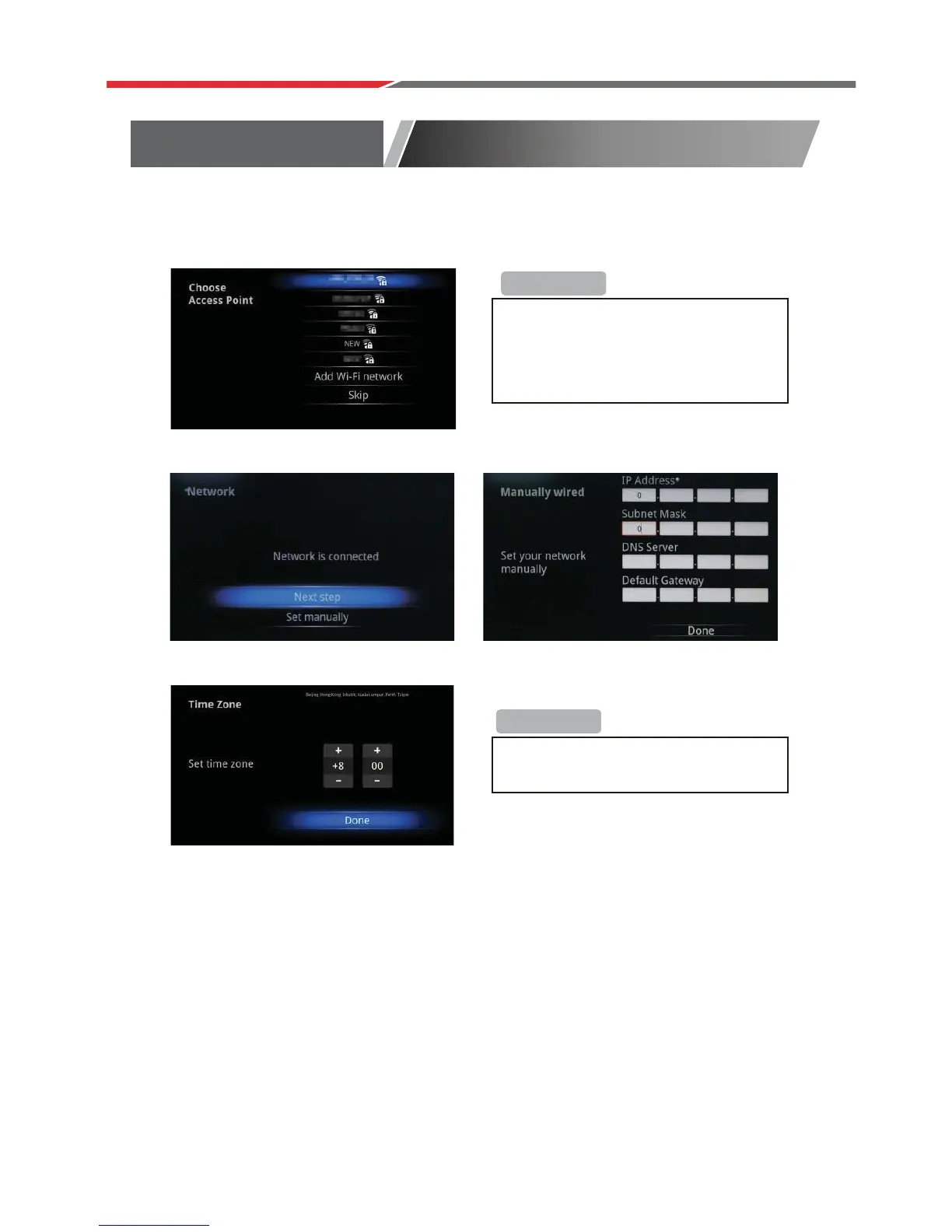
Select Wireless Network (Wi-Fi)
Select Ethernet network(LAN)
Set up the correct Time Zone
Select Ethernet network (LAN) Configure Ethernet manually
S
Install Wizard
If you choose ‘Wi-FI’, select a Wi-Fi
Access Point
If you choose ‘Ethernet’, the screen will
show Ethernet connection status.
If network is not connected, setup the
date and time manually.
+Reminder
+Reminder



 To Next Page