AXISC6110NetworkPagingConsole
Thewebinterface
Listenandrecord
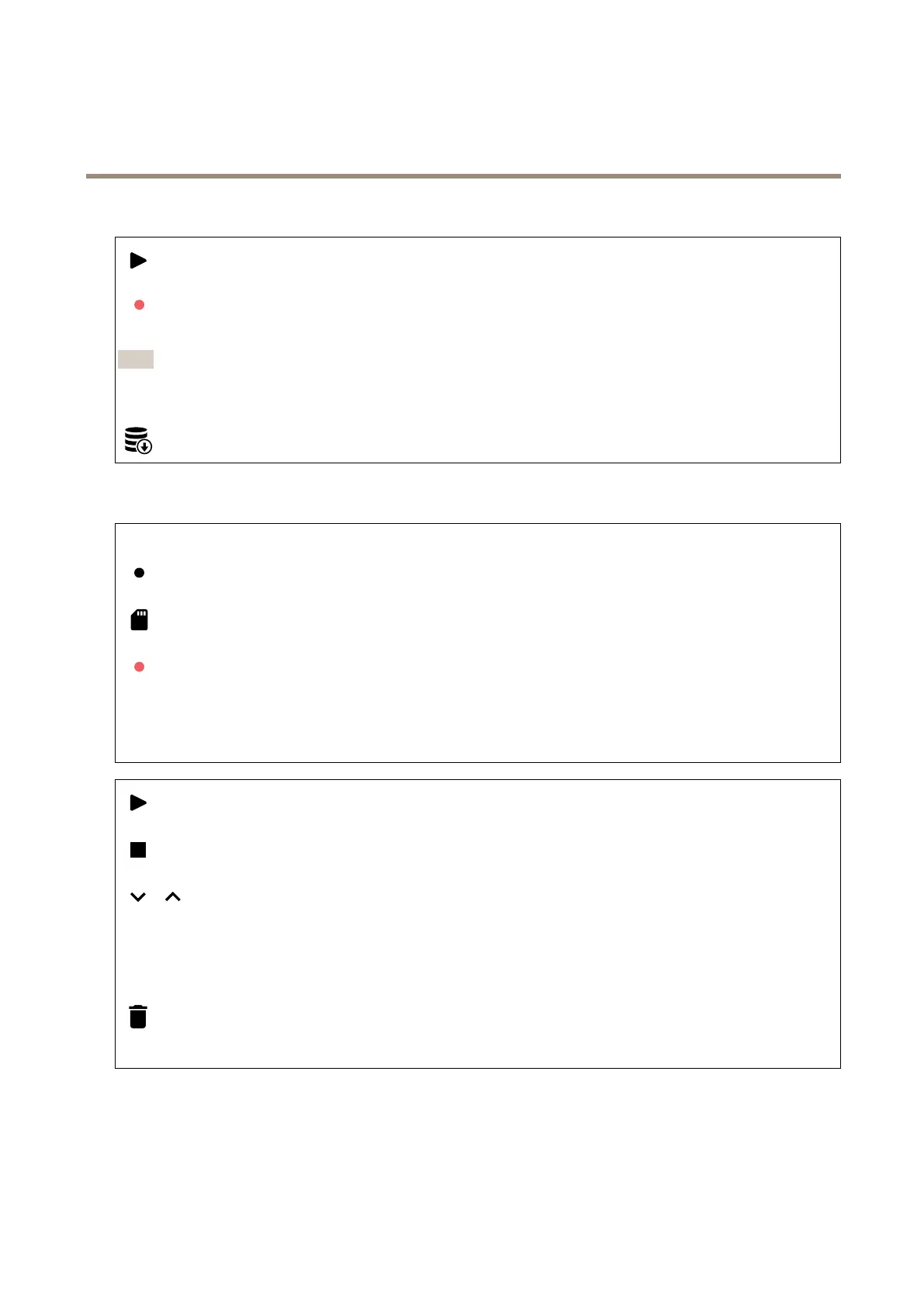
Clicktolisten.
Startacontinuousrecordingoftheliveaudiostream.Clickagaintostoptherecording.Ifarecordingisongoing,itwill
resumeautomaticallyafterareboot.
Note
Youcanonlylistenandrecordifinputisturnedonforthedevice.GotoAudio>Devicesettingstomakesureyou
turnoninput.
Showstheconguredstorageforthedevice.Tocongurethestorage,youneedtobeloggedinasanadministrator.
Recordings
Ongoingrecordings:Showallongoingrecordingsonthedevice.
Startarecordingonthedevice.
Choosewhichstoragedevicetosaveto.
Stoparecordingonthedevice.
Triggeredrecordingswillendwhenmanuallystoppedorwhenthedeviceisshutdown.
Continuousrecordingswillcontinueuntilmanuallystopped.Evenifthedeviceisshutdown,therecordingwillcontinuewhen
thedevicestartsupagain.
Playtherecording.
Stopplayingtherecording.
Showorhideinformationandoptionsabouttherecording.
Setexportrange:Ifyouonlywanttoexportpartoftherecording,enteratimespan.Notethatifyouworkinadifferenttime
zonethanthelocationofthedevice,thetimespanisbasedonthedevice’stimezone.
Encrypt:Selecttosetapasswordforexportedrecordings.Itwillnotbepossibletoopentheexportedlewithoutthepassword.
Clicktodeletearecording.
Export:Exportthewholeorapartoftherecording.
24



 To Next Page