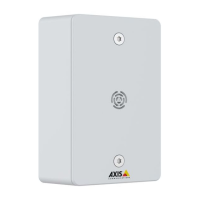
AXISC6110NetworkPagingConsole
Specifications
Red
Slowashforfailedupgrade.
Red/GreenFlashesred/greenfastwhenidentifyinganaudiodeviceisselected.
SDcardslot
NO NO
NO
TICE TICE
TICE
•RiskofdamagetoSDcard.Don’tusesharptools,metalobjects,orexcessiveforcewheninsertingorremovingtheSDcard.
Useyourngerstoinsertandremovethecard.
•Riskofdatalossandcorruptedrecordings.UnmounttheSDcardfromthedevice’swebinterfacebeforeremovingit.
Don’tremovetheSDcardwhiletheproductisrunning.
ForSDcardrecommendations,seeaxis.com.
SD,SDHC,andSDXCLogosaretrademarksofSD-3CLLC.SD,SDHCandSDXCaretrademarksorregistered
trademarksofSD-3C,LLCintheUnitedStates,othercountriesorboth.
Buttons
Controlbutton
Thecontrolbuttonisusedfor:
•Calibratingthespeakertest.Pressandreleasethecontrolbuttonandatesttoneisplayed.
•Resettingtheproducttofactorydefaultsettings.SeeResettofactorydefaultsettingsonpage50.
Connectors
Networkconnector
RJ45EthernetconnectorwithPoweroverEthernet(PoE).
NO NO
NO
TICE TICE
TICE
Thedeviceshallbeconnectedusingashieldednetworkcable(STP).Allcablesconnectingthedevicetothenetworkshallbe
intendedfortheirspecicuse.Makesurethatthenetworkdevicesareinstalledinaccordancewiththemanufacturer’s
instructions.Forinformationaboutregulatoryrequirements,seetheInstallationGuideatwww.axis.com.
Audioconnector
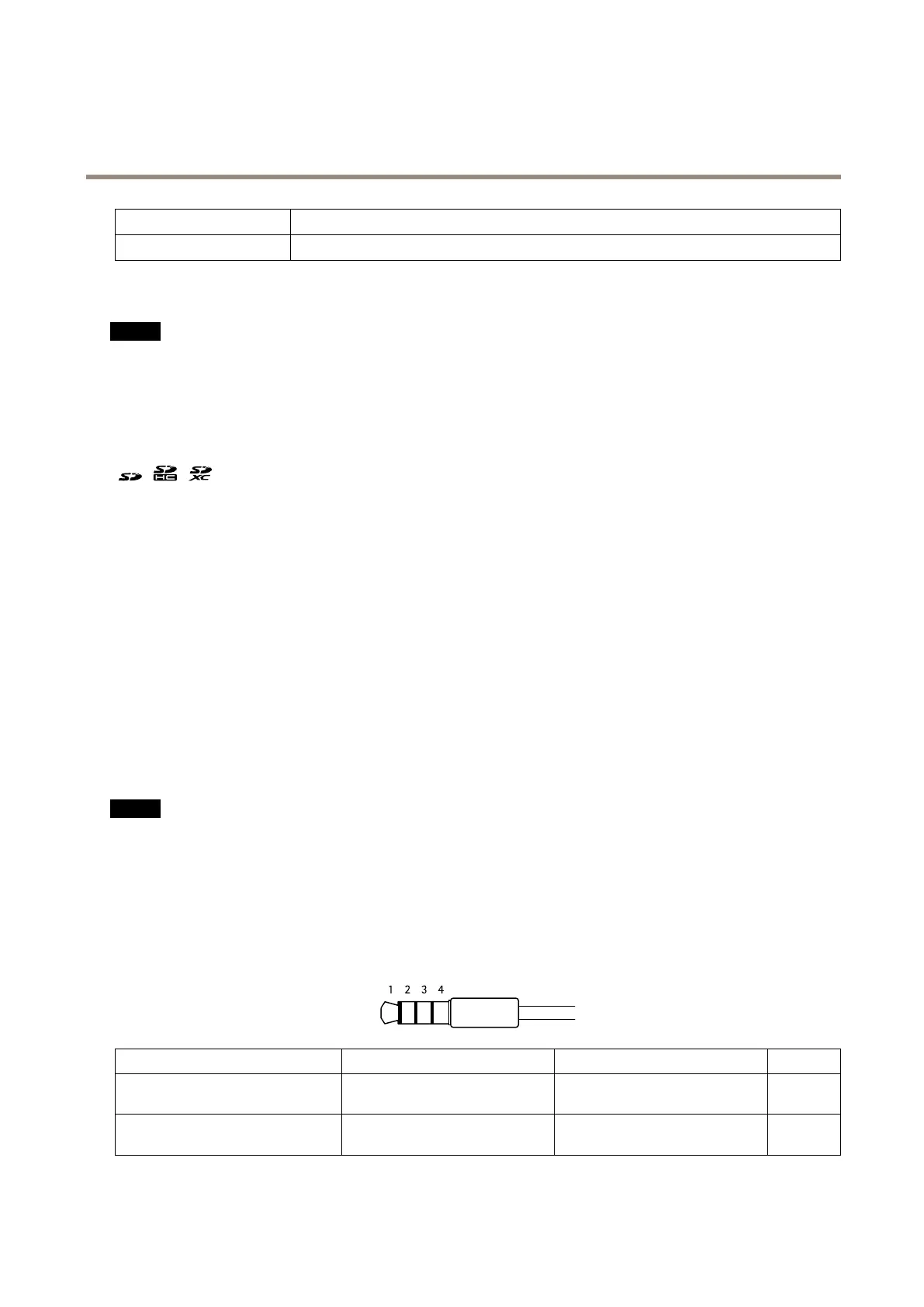
3.5mminput/outputconnectorforheadset(4-poleTRRS)orheadphone(3-poleTRS).
Audioinput/outputforheadset(standard)
1Tip2Ring3Ring
4Sleeve
Channel1,unbalancedline,monoChannel1,unbalancedline,monoGround
Micro-
phone
Balancedline,“hot”signalBalancedline,“cold”signal
Ground
Micro-
phone
47



 To Next Page