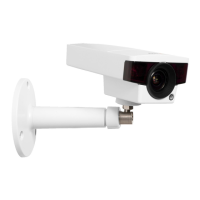
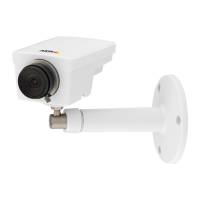
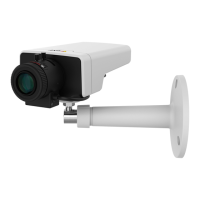
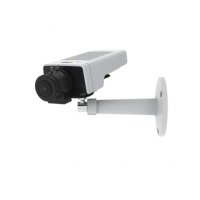
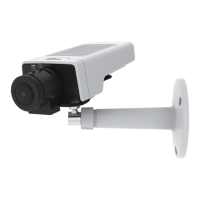
AXISM1145Series
Clickthe<or>buttontomovethefocuspositiononestep.
Clickthe<<or>>buttontomovethefocuspositionin
multiplesteps.
4.Whensatised,clickEnableiristoenabletheiris.
AccesstheProduct
AXISIPUtilityandAXISCameraManagementarerecommendedmethods
forndingAxisproductsonthenetworkandassigningthemIPaddresses
inWindows®.Bothapplicationsarefreeandcanbedownloadedfrom
www.axis.com/techsup
Theproductcanbeusedwithmostoperatingsystemsandbrowsers.The
recommendedbrowsersare
•InternetExplorer
®
withWindows
®
•Safari
®
withOSX
®
•Chrome
TM
orFirefox
®
withotheroperatingsystems.
Formoreinformationaboutusingtheproduct,seetheUserManual
availableatwww.axis.com
ResettoFactoryDefaultSettings
Important
Resettofactorydefaultshouldbeusedwithcaution.Aresetto
factorydefaultwillresetallsettings,includingtheIPaddress,
tothefactorydefaultvalues.
Note
Theinstallationandmanagementsoftwaretoolsareavailable
fromthesupportpagesonwww.axis.com/techsup
Toresettheproducttothefactorydefaultsettings:
1.Disconnectpowerfromtheproduct.
18



 To Next Page