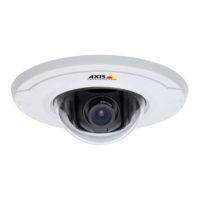
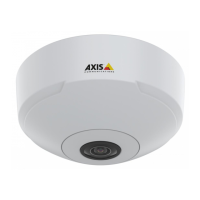
AXISM30NetworkCameraSeries
Specifications
ForSDcardrecommendations,seeaxis.com.
microSD,microSDHC,andmicroSDXCLogosaretrademarksofSD-3CLLC.microSD,microSDHC,microSDXCare
trademarksorregisteredtrademarksofSD-3C,LLCintheUnitedStates,othercountriesorboth.
Buttons
Controlbutton
Thecontrolbuttonisusedfor:
•Resettingtheproducttofactorydefaultsettings.SeeResettofactorydefaultsettingsonpage51.
•ConnectingtoanAXISVideoHostingSystemservice.Toconnect,pressandholdthebuttonforabout3secondsuntilthe
statusLEDashesgreen.
Connectors
HDMIconnector
UsethemicroHDMI
TM
connectortoconnectadisplayorpublicviewmonitor.
Networkconnector
RJ45EthernetconnectorwithPoweroverEthernet(PoE).
56



 To Next Page