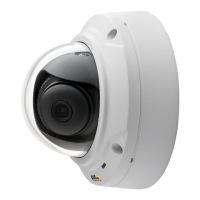
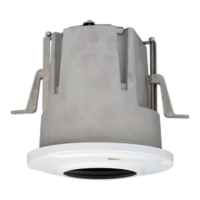
AXISM3027-PVEFixedDomeNetworkCamera
PTZ(PanTiltZoom)
PTZ(PanTiltZoom)
PTZcontrolsareonlyavailableforviewareas.
Aboutpresetpositions
Apresetpositionisasavedviewthatcanbeusedtoquicklysteerthecameratoaspecicposition.Apresetpositionconsistsof
thefollowingvalues:
•Panandtiltpositions
•Zoomposition
Eachviewareahasitsownpresetpositions.
Howtoaccessthepresetpositions
Presetpositionscanbeaccessedinseveralways:
•ByselectingthepresetfromtheSourcedrop-downlistintheLiveViewPage.
•Whensettingupactionrules.Seepage39.
•Whensettingupguardtours.Seepage29.
Howtoaddapresetposition
1.GotoSetup>PTZ>PresetPositions.
2.Clickintheimageorusethecontrolstosteerthecameraviewtothedesiredposition.
3.WriteanameintheCurrentpositioneld.
4.ClickAddtosavethepresetposition.
Howtoincludethepresetpositionnameinanoverlaytext
1.GotoVideo.
2.SelectIncludeoverlaytext.
3.Writethemodier#Pintheeld.
4.ClickSave.
SettheHomePosition
TheentireviewareaistreatedastheHomepositionwhichisreadilyaccessiblebyclickingtheHomebuttonontheLiveView
pageandinthePresetPositionssetupwindow.
TheproductcanbeconguredtoreturntotheHomepositionwhenthePTZfunctionalityhasbeeninactiveforaspeciedlengthof
time.EnterthelengthoftimeintheReturntohomeaftereldandclickSave.Setthetimetozerotopreventtheproductfrom
automaticallyreturningtotheHomeposition.
OverviewMap
Clickwithintheoverviewmapcircletoquicklysteerthecameraviewtoanewposition.Thecurrentpositionisindicatedbyagreen
circle.Allviewareasdisplayanoverviewmapatthebottomrightcorner.
28



 To Next Page