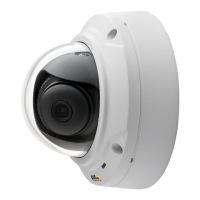
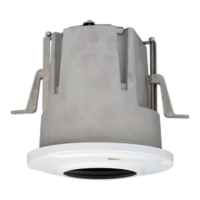
AXISM3027-PVEFixedDomeNetworkCamera
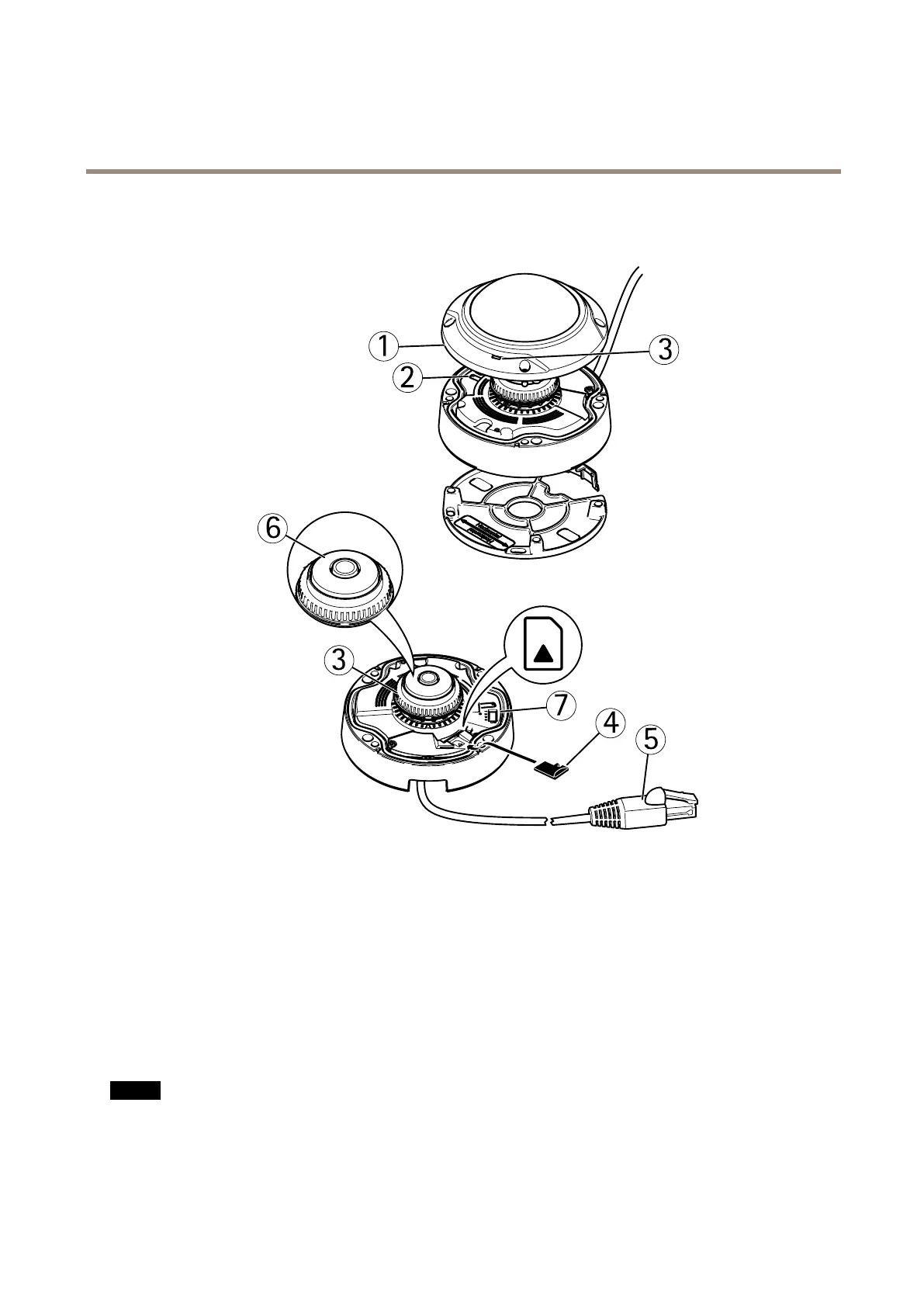
HardwareOverview
HardwareOverview
1.
Domecover
2.
Controlbutton
3.
StatusLED
4.
microSDcardslot
5.
Networkcable(PoE)comesattachedwiththeproduct)
6.
Focusring
7.
I/Oconnector
ConnectorsandButtons
NetworkConnector
RJ45EthernetconnectorwithPoweroverEthernet(PoE).
NO NO
NO
TICE TICE
TICE
Theproductshallbeconnectedusingashieldednetworkcable(STP).Allcablesconnectingtheproducttothenetworkshall
beintendedfortheirspecicuse.Makesurethatthenetworkdevicesareinstalledinaccordancewiththemanufacturer’s
instructions.Forinformationaboutregulatoryrequirements,seeElectromagneticCompatibility(EMC)onpage2.
7



 To Next Page