AXISM30DomeCameraSeries
Thewebinterface
Audioclips
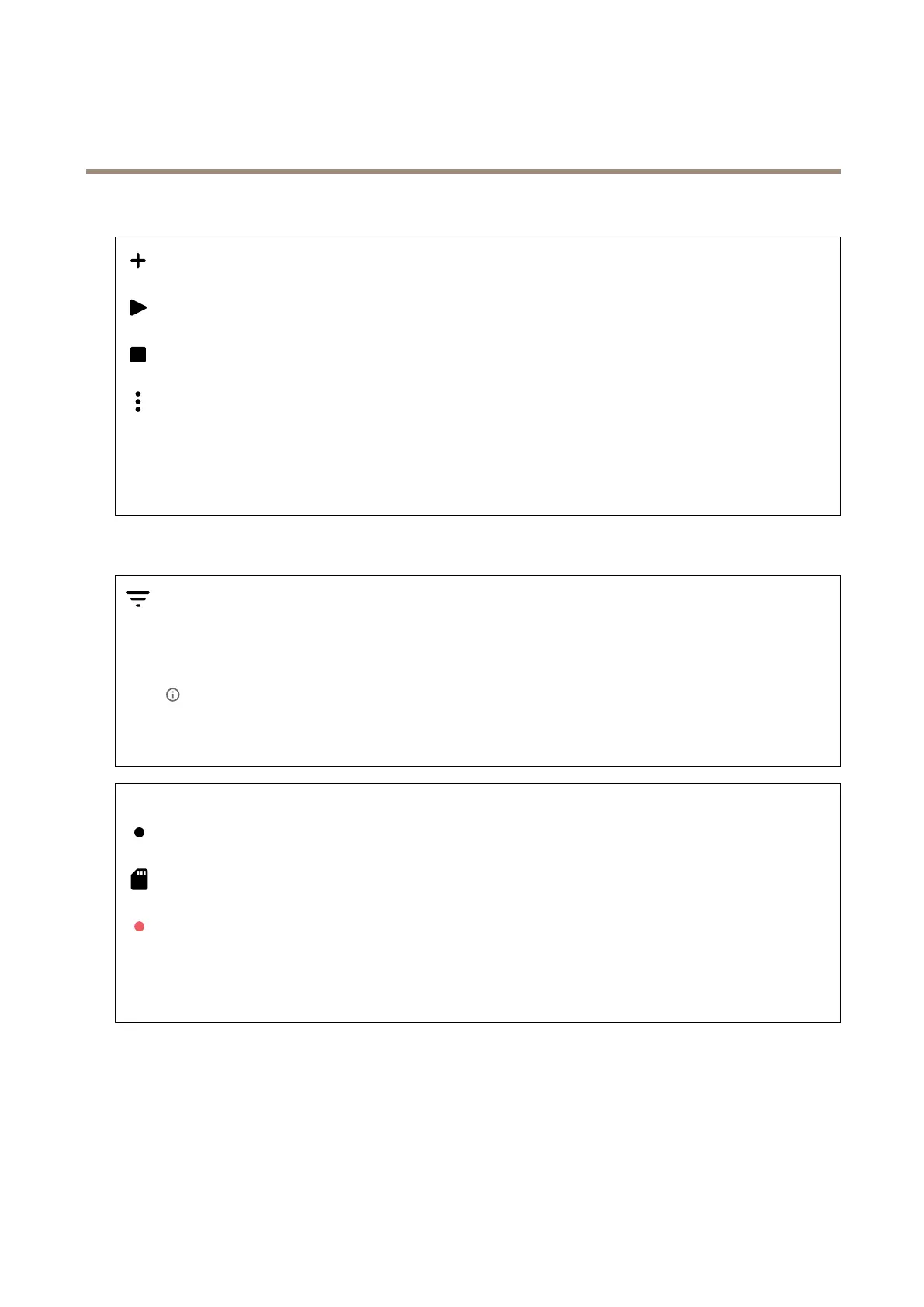
Addclip:Addanewaudioclip.Youcanuse.au,.mp3,.opus,.vorbis,.wavles.
Playtheaudioclip.
Stopplayingtheaudioclip.
Thecontextmenucontains:
•Rename:Changethenameoftheaudioclip.
•Createlink:CreateaURLthat,whenused,playstheaudiocliponthedevice.Specifythevolumeandnumber
oftimestoplaytheclip.
•Download:Downloadtheaudiocliptoyourcomputer.
•Delete:Deletetheaudioclipfromthedevice.
Recordings
Clicktoltertherecordings.
From:Showrecordingsdoneafteracertainpointintime.
To:Showrecordingsupuntilacertainpointintime.
Source
:Showrecordingsbasedonsource.Thesourcereferstothesensor.
Event:Showrecordingsbasedonevents.
Storage:Showrecordingsbasedonstoragetype.
Ongoingrecordings:Showallongoingrecordingsonthecamera.
Startarecordingonthecamera.
Choosewhichstoragedevicetosaveto.
Stoparecordingonthecamera.
Triggeredrecordingswillendwhenmanuallystoppedorwhenthecameraisshutdown.
Continuousrecordingswillcontinueuntilmanuallystopped.Evenifthecameraisshutdown,therecordingwillcontinue
whenthecamerastartsupagain.
26



 To Next Page