AXISM32DomeCameraSeries
Configureyourdevice
•AxisPIRdetector
NO NO
NO
TICE TICE
TICE
Disconnectthecamerafrompowerbeforeconnectingthewires.Reconnecttopowerafterallconnectionsaredone.
Connectthewirestothecamera’sI/Oconnector
Note
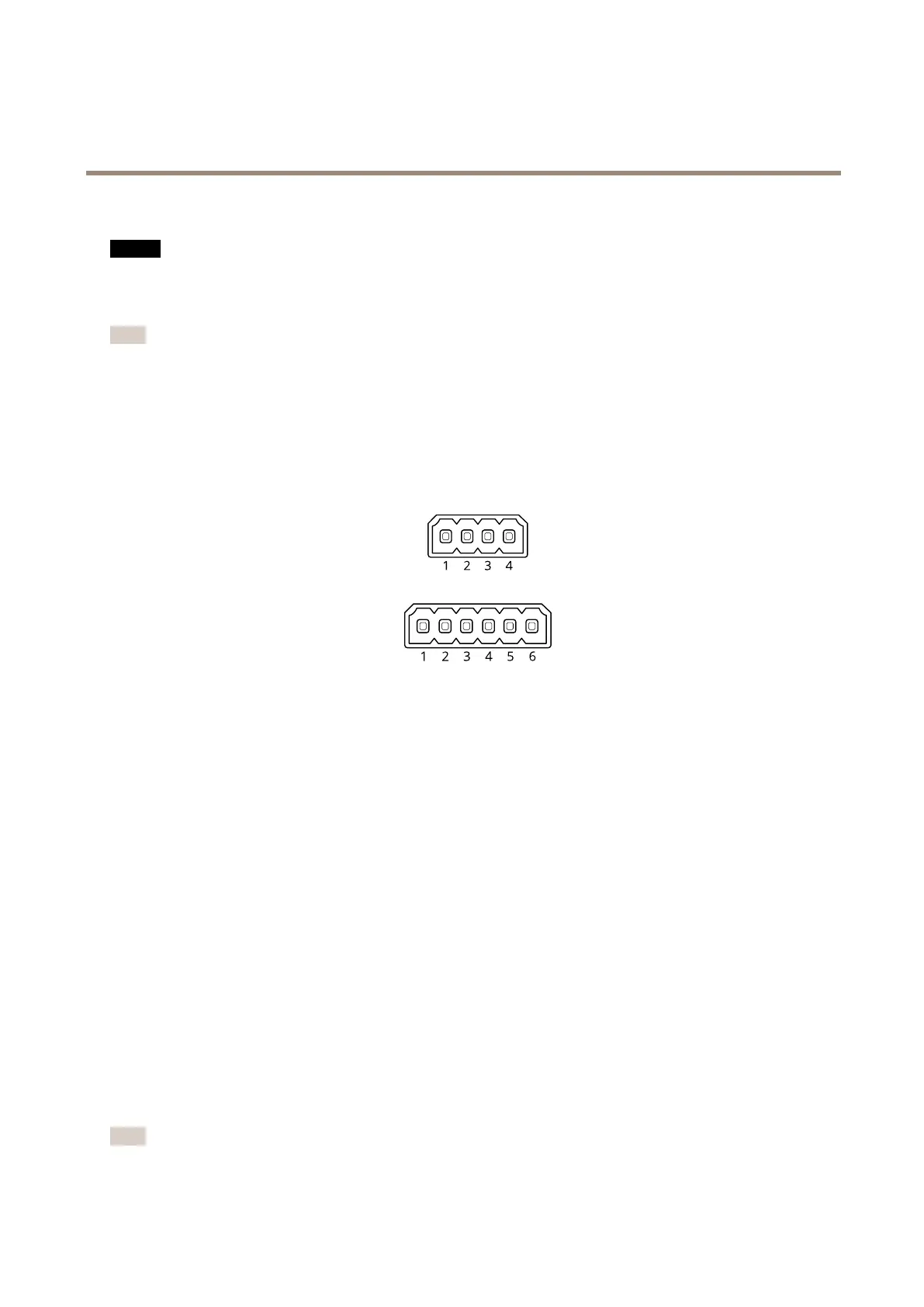
ForinformationontheI/Oconnector,seeConnectorsonpage63.
1.Connectthegroundwiretopin1(GND/-).
2.Connectthepowerwiretopin2(12VDCoutput).
3.ConnecttheI/Owiretopin3(I/Oinput).
ConnectthewirestothePIRdetector’sI/Oconnector
1.Connecttheotherendofthegroundwiretopin1(GND/-).
2.Connecttheotherendofthepowerwiretopin2(DCinput/+).
3.ConnecttheotherendoftheI/Owiretopin3(I/Ooutput).
ConguretheI/Oportinthecamera’swebpage
1.GotoSystem>Accessories.
2.UnderDirection,selectInputforPort1.
3.Givetheinputmoduleadescriptivename.
4.UnderNormalposition,selectCircuitclosedtomakethePIRdetectorsendasignaltothecamerawhenitsensesmotion.
TotriggerthecameratostartrecordingwhenitreceivesasignalfromthePIRdetector,youneedtocreatearuleinthecamera’s
webpage.
Providevisualindicationofanongoingevent
YouhavetheoptiontoconnecttheAXISI/OIndicationLEDtoyournetworkcamera.ThisLEDcanbeconguredtoturnonwhenever
certaineventsoccurinthecamera.Forexample,toletpeopleknowthatvideorecordingisinprogress.
Requiredhardware
•AXISI/OIndicationLED
•AnAxisnetworkvideocamera
Note
AXISI/OIndicationLEDshouldbeconnectedtoanoutputport.
15



 To Next Page