AXISP1365-ENetworkCamera
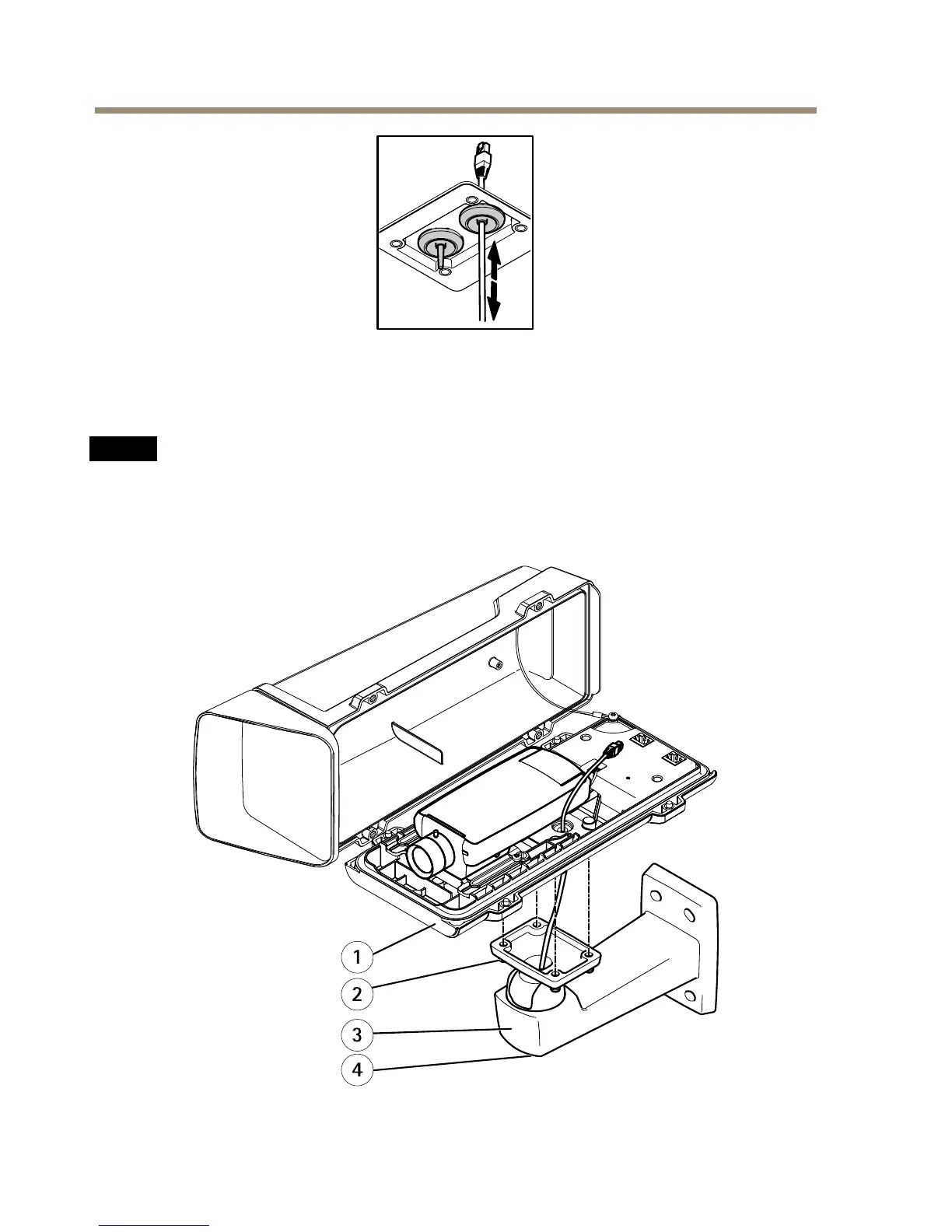
5.Makesurethatthecablegasketisttedproperly.
6.Ifconnectinganauxiliarydevice,forexampleanI/O,audio,orexternalpowerdevice,to
thecamera,repeatthestepsaboveasapplicabletothespecicdevice.
NO NO
NO
TICE TICE
TICE
Mounttheconnectorsafterthecablesarepushedthroughthecablegasket.
7.Putthebottomcoveronthewallmountandtightenthescrews(torque2Nm).



 To Next Page