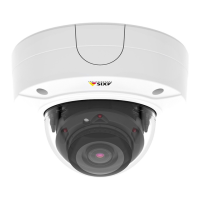
AXISP3225-LVENetworkCamera
AccesstheProduct
ForTechnicalnotesonthisandothertopics,visittheAxisSupportwebatwww.axis.com/techsup
SettheRootPassword
ToaccesstheAxisproduct,youmustsetthepasswordforthedefaultadministratoruserroot.ThisisdoneintheCongureRoot
Passworddialog,whichopenswhentheproductisaccessedforthersttime.
Topreventnetworkeavesdropping,therootpasswordcanbesetviaanencryptedHTTPSconnection,whichrequiresanHTTPS
certicate.HTTPS(HypertextTransferProtocoloverSSL)isaprotocolusedtoencrypttrafcbetweenwebbrowsersandservers.The
HTTPScerticateensuresencryptedexchangeofinformation.SeeHTTPSonpage45.
Thedefaultadministratorusernamerootispermanentandcannotbedeleted.Ifthepasswordforrootislost,theproductmustbe
resettothefactorydefaultsettings.SeeResettoFactoryDefaultSettingsonpage56.
TosetthepasswordviaastandardHTTPconnection,enteritdirectlyinthedialog.
TosetthepasswordviaanencryptedHTTPSconnection,followthesesteps:
1.ClickUseHTTPS.
Atemporarycerticate(validforoneyear)iscreated,enablingencryptionofalltrafctoandfromtheproduct,andthe
passwordcannowbesetsecurely.
2.Enterapasswordandthenre-enterittoconrmthespelling.
3.ClickOK.Thepasswordhasnowbeencongured.
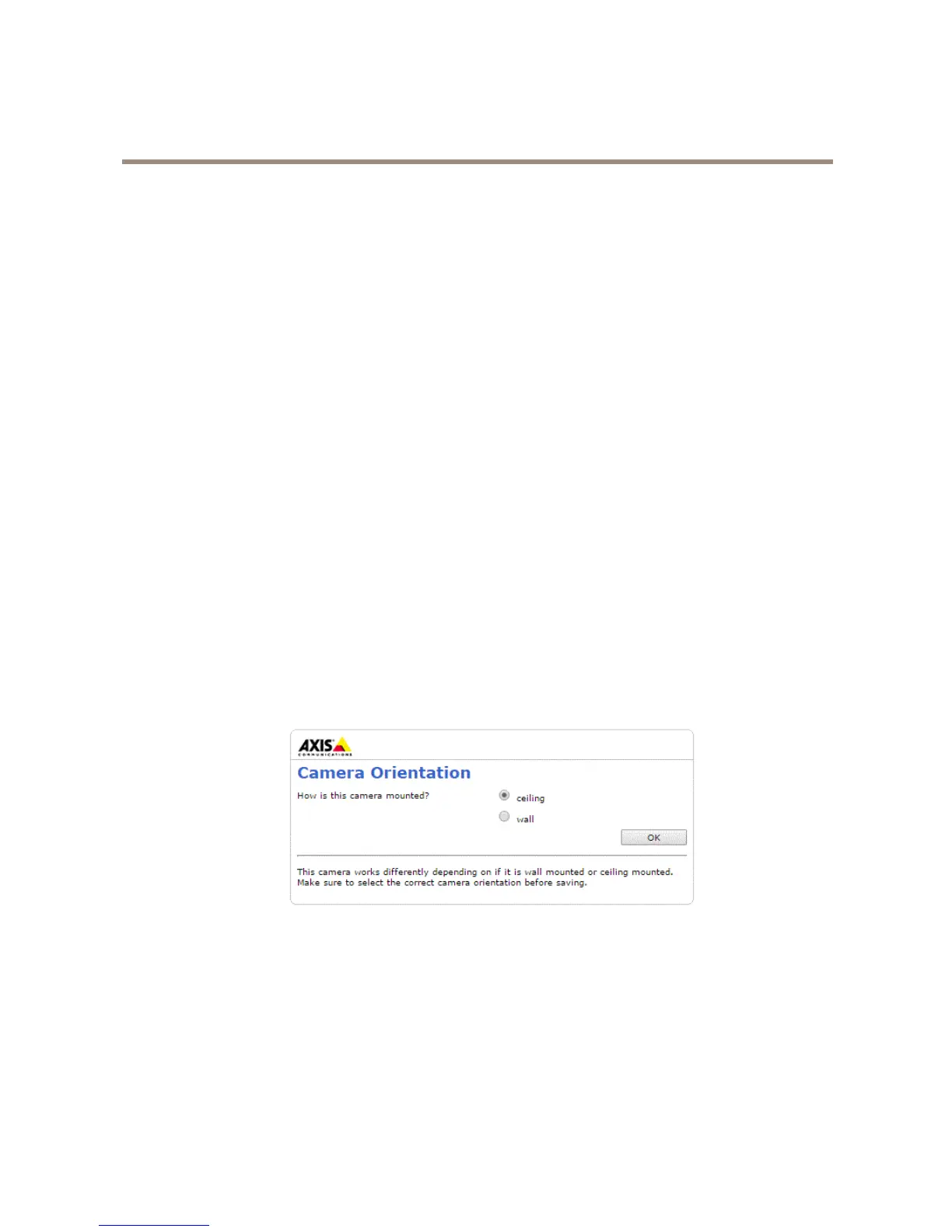
CameraOrientation
Thissettingisdenedthersttimetheproductisaccessed.DependingonhowtheAxisproductisinstalled,selectceilingorwall.
Tochangethesesettings,theproductmustberestoredtotheoriginalfactorydefaultsettings.Toresetorrestoretheproduct,goto
Setup>SystemOptions>Maintenanceintheproduct’swebpages.Forinformationaboutresetandrestore,seeMaintenanceon
page54.
CongureCaptureMode
CapturemodedenesthemaximumresolutionandmaximumframerateavailableintheAxisproduct.Thecapturemodesettingalso
affectsthecamera’sangleofview.
Selectthedesiredcapturemodefromthedrop-downlistandclickOK.
SeealsoCaptureModeonpage20.
10


 To Next Page