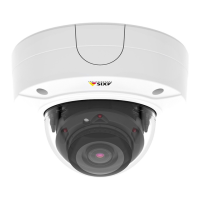
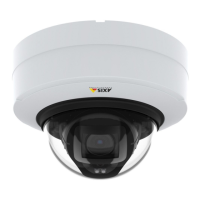
AXISP3225-LVENetworkCamera
ConfiguretheLiveViewPage
•SelectEnablerecordingbuttontoenablerecordingfromtheLiveViewpage.Thisbuttonisavailablewhenusingthe
AMCviewer.TherecordingsaresavedtothelocationspeciedintheAMCControlPanel.SeeAXISMediaControl
(AMC)onpage14.
UserDenedLinks
Todisplayuser-denedlinksintheLiveViewpage,selecttheShowcustomlinkoption,givethelinkanameandthenentertheURL
tolinkto.Whendeningaweblinkdonotremovethe'http://'fromtheURLaddress.Customlinkscanbeusedtorunscriptsor
activateexternaldevicesconnectedtotheproduct,ortheycanlinktoawebpage.Customlinksdenedascgilinkswillrunthe
scriptinthebackground,inahiddenframe.Deningthelinkasaweblinkwillopenthelinkinanewwindow.
28


 To Next Page