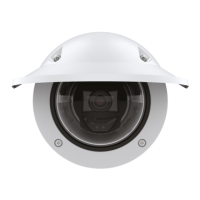
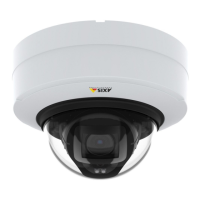
AXISP32DomeCameraSeries
Thedeviceinterface
Privacymasks
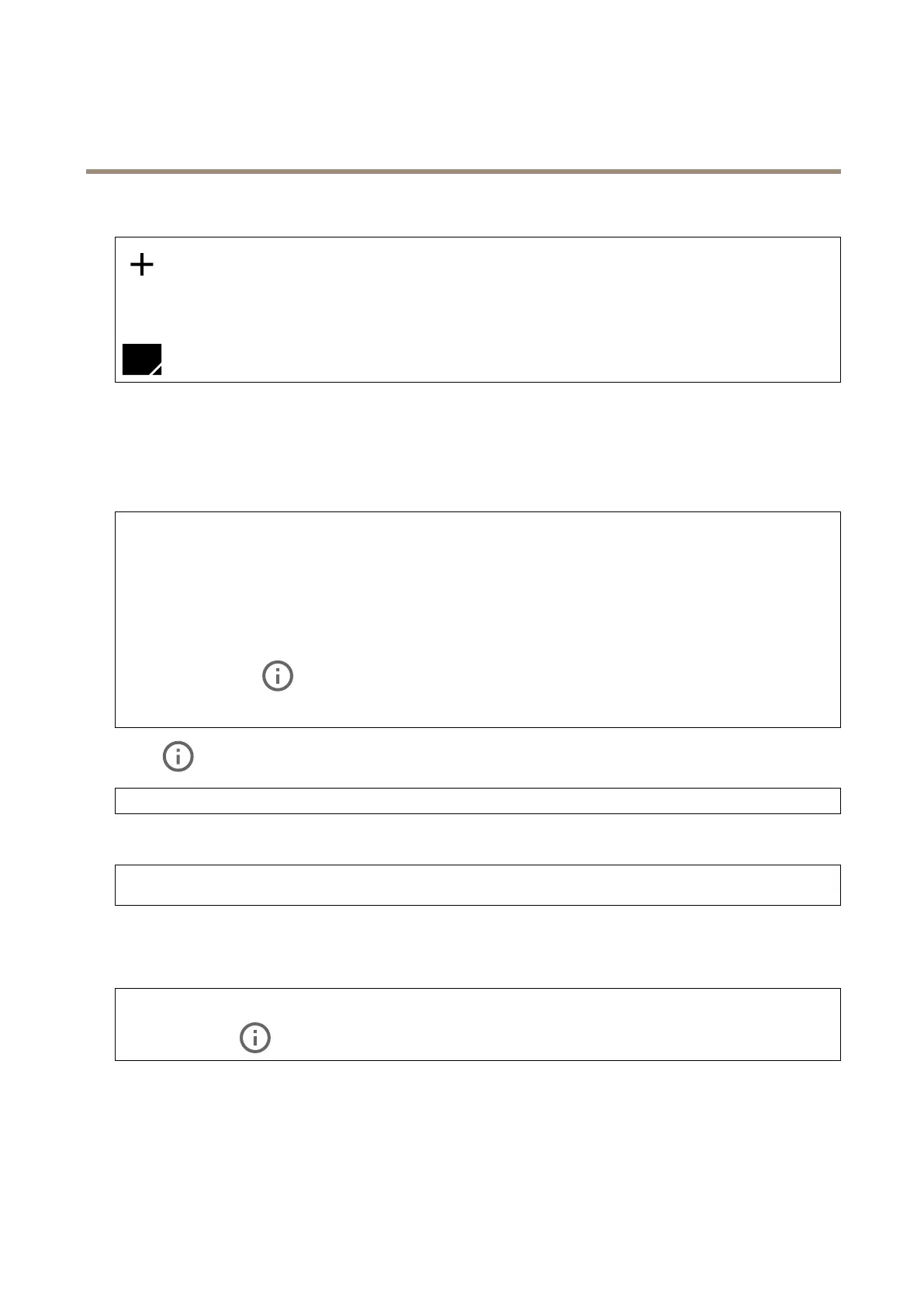
:Clicktocreateanewprivacymask.Themaximumnumberofmasksdependonthecomplexityofallmaskscombined.
Eachmaskcanhavemaximum10anchorpoints.
Privacymasks:Clicktochangethecolorofallprivacymasks,ortodeleteallprivacymaskspermanently.
Maskx:Clicktorename,disable,orpermanentlydeletethemask.
Audio
Devicesettings
Input:Turnonoroffaudioinput.Showsthetypeofinput.
Allowstreamextraction:Turnontoallowstreamextraction.
Inputtype:Selectthetypeofinput,forinstanceifit’samicrophoneorline-in.
Powertype:Selectpowertypeforyourinput.
Activatechanges:Clicktoactivateyourselection.
Separategaincontrols:Turnontoadjustthegainseparatelyforthedifferentinputtypes.
Automaticgaincontrol
:Turnontodynamicallyadaptthegaintochangesinthesound.
Gain:Usetheslidertochangethegain.Clickthemicrophoneicontomuteorunmute.
Output:Showsthetypeofoutput.
Gain:Usetheslidertochangethegain.Clickthespeakericontomuteorunmute.
Stream
Encoding:Selecttheencodingtousefortheinputsourcestreaming.Youcanonlychooseencodingifaudioinputisturnedon.If
audioinputistunedoff,clickEnableaudioinputtoturniton.
Audiomixer
Input
TenBandGraphicAudioEqualizer:Turnontoadjustthelevelofdifferentfrequencybandswithinanaudiosignal.
Voiceenhancement
:Turnontoadjustthevoicecontentinrelationtoothersounds.
27



 To Next Page