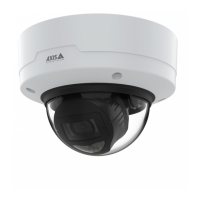
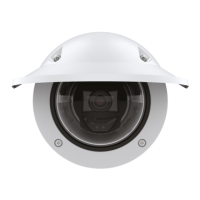
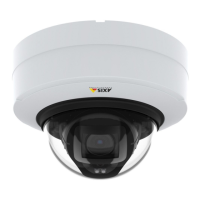
AXISP32DomeCameraSeries
Thedeviceinterface
Recordings
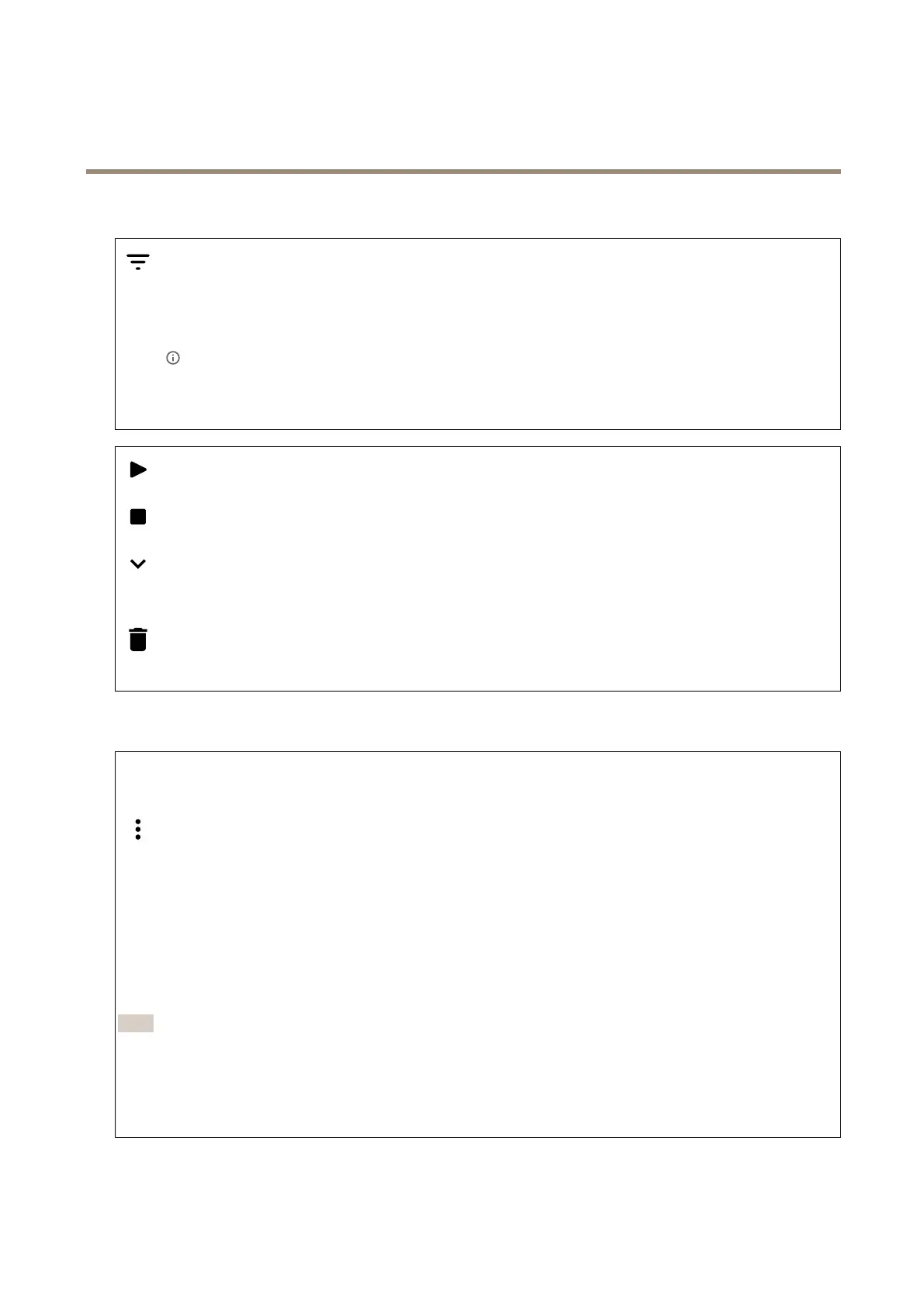
Clicktoltertherecordings.
From:Showrecordingsdoneafteracertainpointintime.
To:Showrecordingsupuntilacertainpointintime.
Source
:Showrecordingsbasedonsource.
Event:Showrecordingsbasedonevents.
Storage:Showrecordingsbasedonstoragetype.
Clicktoplaytherecording.
Clicktostoptherecording.
Clicktoshowmoreinformationandoptionsabouttherecording.
Setexportrange:Ifyouonlywanttoexportpartoftherecording,enterfromwhentowhen.
Clicktodeletetherecording.
Export:Clicktoexport(partof)therecording.
Apps
Addapp:Clicktoinstallanewapp.
Findmoreapps:ClicktogotoanoverviewpageofAxisapps.
Thecontextmenucontains:
•Applog:Clicktoviewalogoftheappevents.Thelogishelpfulwhenyoucontactsupport.
•Activatelicensewithakey:Iftheapprequiresalicense,youneedtoactivateit.Usethisoptionifyourdevice
doesn’thaveinternetaccess.
Ifyoudon’thavealicensekey,gotoaxis.com/applications.YouneedalicensecodeandtheAxisproductserial
numbertogeneratealicensekey.
•Activatelicenseautomatically:Iftheapprequiresalicense,youneedtoactivateit.Usethisoptionifyourdevicehas
internetaccess.Youneedalicensecodetoactivatethelicense.
•Deactivatethelicense:Deactivatethelicensetouseitinanotherdevice.Ifyoudeactivatethelicense,youalso
removeitfromthedevice.Todeactivatethelicenserequiresinternetaccess.
•Delete:Deletetheapppermanentlyfromthedevice.Ifyoudon’tdeactivatethelicenserst,itremainsactive.
Note
Thedevice’sperformancemightbeaffectedifyourunseveralappsatthesametime.
Start:Startorstoptheapp.
Open:Clicktoaccesstheapp’ssettings.Theavailablesettingsdependontheapplication.Someapplicationsdon’thaveany
settings.
28



 To Next Page