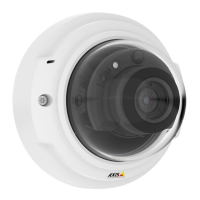
AXISP3365–VFixedDomeNetworkCamera
CompletetheInstallation
1.
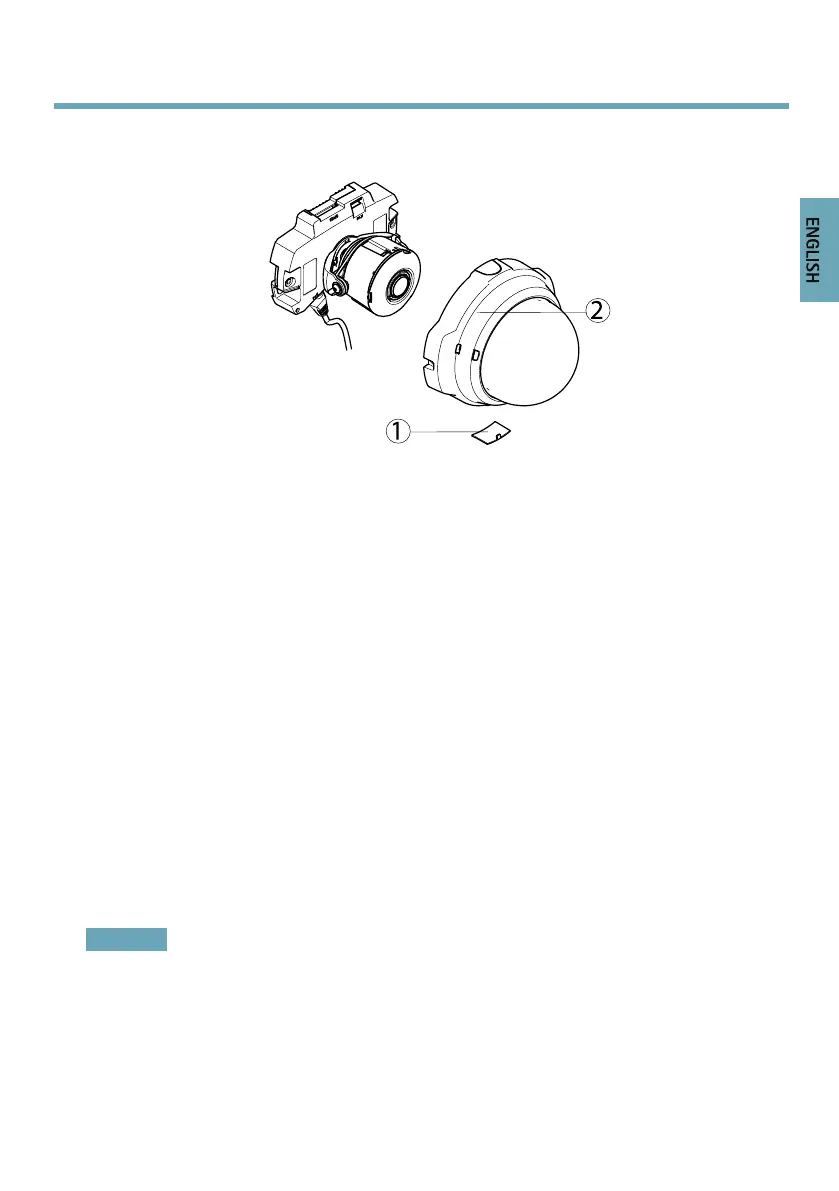
Sidelid
2.
Domecover
1.Ifthecablesareroutedalongthewall,removethesidelidfromthecamera’sdomecover.
2.Rotatetheblackshieldinsidethedometomatchthecamera’sposition.
3.Cleanthedomewithadrysoftclothtoremovedustandngerprintsanduseablower
toremovedustfromthelens.
4.Makesurethegasketsitssecurelyonthedomecover,mountthedomecoverandtighten
thescrewsusingthesuppliedscrewdriver.Nowthatthedomeisinplace,checkthat
thecameraisproperlyfocused.
Theinstallationisnowcomplete.
AccesstheProduct
UsethetoolsprovidedontheInstallationandManagementSoftwareCDtoassignanIPaddress,
setthepasswordandaccessthevideostream.Thisinformationisalsoavailablefromthesupport
pagesonwww.axis.com/techsup/
ResettoFactoryDefaultSettings
Important
Resettofactorydefaultshouldbeusedwithcaution.Aresettofactorydefaultwillreset
allsettings,includingtheIPaddress,tothefactorydefaultvalues.
17


 To Next Page