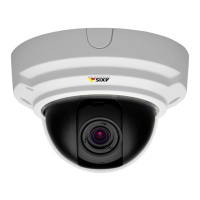
AXISP33NetworkCameraSeries
Setup
HowtobenetfromIRlightinlow-lightconditionsusingnightmode
Yourcameradeliverscolorimagesduringtheday.Aslightdiminishes,youcansetthecameratoautomaticallyshifttonightmode.
Withthissettingenabled,thecameradeliversblack-and-whiteimageswiththehelpofIRlight.
1.GotoSettings>Image>Dayandnight,andmakesurethattheIRcutlterissettoAuto.
2.Todetermineatwhatlightlevelyouwantthecameratoshifttonightmode,movetheThresholdslidertowardBright
orDark.
Note
Ifyousettheshifttooccurwhenit’sbrighter,theimageremainssharperastherewillbelesslow-lightnoise.Ifyou
settheshifttooccurwhenit’sdarker,theimagecolorsaremaintainedlongerbuttherewillbemoreimageblurdue
tolow-lightnoise.
3.EnableIRilluminationtousethecamera’sbuilt-inIRlightwhenthenightmodeisactivated.
Howtoselectexposuremode
Thereareseveralexposuremodeoptionsinthecamerathatadjustsaperture,shutterspeed,andgaintoimproveimagequalityfor
specicsurveillancescenes.IntheImagetab,selectbetweenthefollowingoptions:
•Formostusecases,selectAutomaticexposure.
•Forenvironmentswithcertainarticiallighting,forexampleuorescentlighting,selectFlicker-free.
Selectthesamefrequencyasthepowerlinefrequency.
•Forenvironmentswithcertainarticiallightandbrightlight,forexampleoutdoorswithuorescentlightingatnightand
sunduringdaytime,selectFlicker-reduced.
Selectthesamefrequencyasthepowerlinefrequency.
•Tolockthecurrentexposuresettings,selectHoldcurrent.
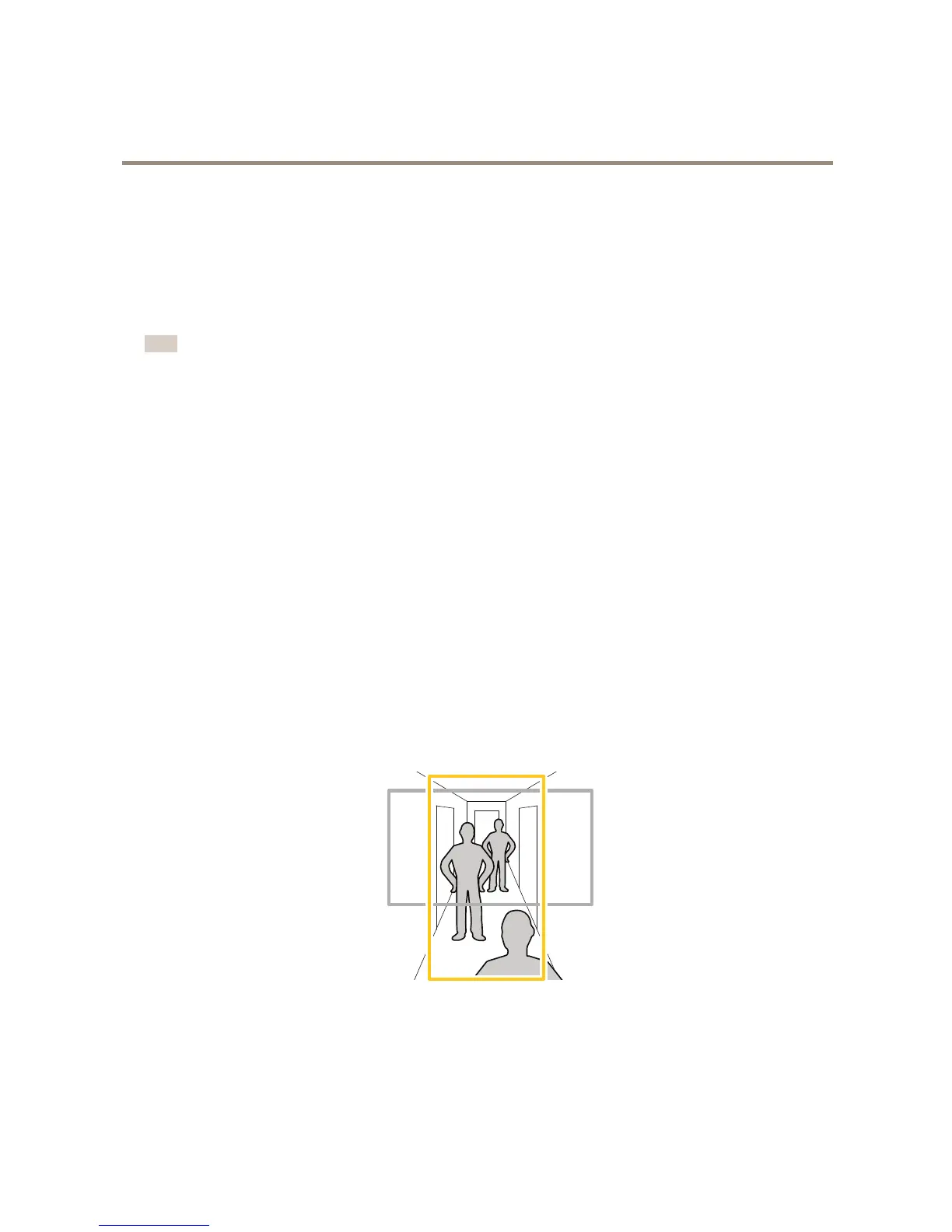
Howtomonitorlongandnarrowareas
Usecorridorformattobetterutilizethefulleldofviewinalongandnarrowarea,forexampleastaircase,hallway,road,ortunnel.
1.Dependingonyourproduct,turnthecameraorthe3–axislensinthecamera90°or270°.
2.GotoSettings>Stream>Orientationontheproduct’swebpageandrotatetheview90°or270°.
Findoutmoreataxis.com/axis-corridor-format
13


 To Next Page