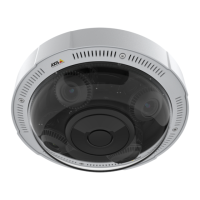
AXISP3707-PENetworkCamera
Howtoaccesstheproduct
Aboutthecontrolsintheliveviewwindow
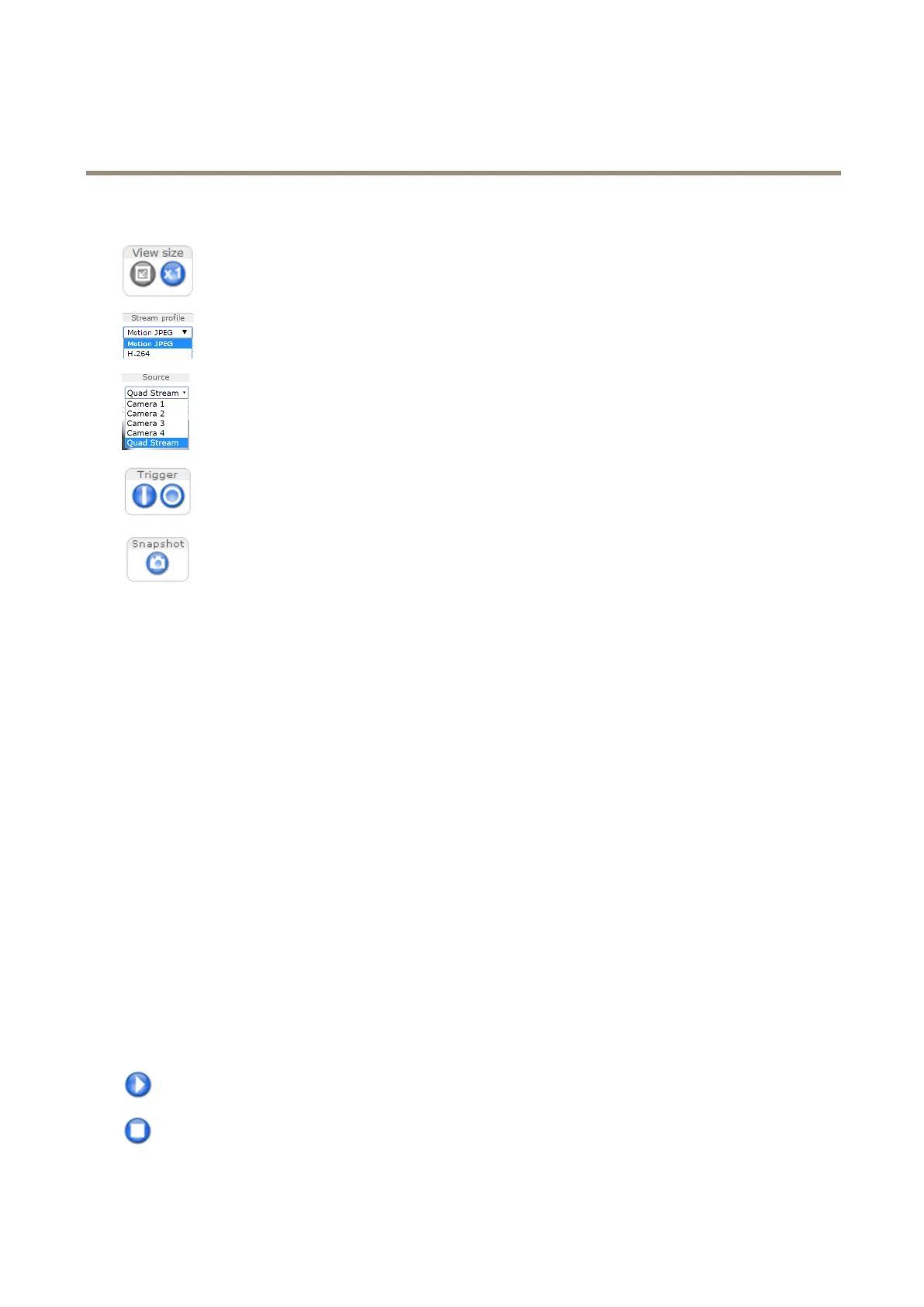
ClicktheViewsizebuttonstoshowtheimageinfullsize(rightbutton)ortoscaledowntheimageto
tthebrowserwindow(leftbutton).
SelectastreamprolefortheliveviewwindowfromtheStreamProledrop-downlist.Forinformation
abouthowtocongurestreamproles,seepage20.
Toviewoneofthecamerasorthequadstream,usetheSourcedrop-downlist.Tochangethedefault
videosourceforLiveView,gotoSetup>LiveViewCong.
UsetheManualTriggerbuttontotriggeranactionrulefromtheliveviewwindow.Forinformation
abouthowtocongureandenablethebutton,seeAboutthemanualtriggeronpage11.
ClickSnapshottosaveasnapshotofthevideoimage.Thisbuttonisprimarilyintendedforusewhen
theAXISMediaControlviewertoolbarisnotavailable.EnablethisbuttonfromLiveViewCong>
ActionButtons.
Aboutthemanualtrigger
TheManualTriggerisusedtotriggeranactionrulefromtheLiveViewpage.Themanualtriggercanforexamplebeusedto
validateactionsduringproductinstallationandconguration.
Tocongurethemanualtrigger:
1.GotoSetup>Events.
2.ClickAddtoaddanewactionrule.
3.FromtheTriggerdrop-downlist,selectInputSignal.
4.Fromtheseconddrop-downlist,selectManualTrigger.
5.Selectthedesiredactionandconguretheothersettingsasrequired.
Formoreinformationaboutactionrules,seeAbouteventsonpage29.
ToshowthemanualtriggerbuttonsintheLiveViewpage:
1.GotoSetup>LiveViewCong.
2.UnderActionButtons,selectShowmanualtriggerbutton.
AbouttheAXISMediaControlviewertoolbar
TheAXISMediaControlviewertoolbarisavailableinInternetExploreronly.SeeAboutAXISMediaControl(AMC)onpage13for
moreinformation.Thetoolbardisplaysthefollowingbuttons:
ThePlaybuttonconnectstotheAxisproductandstartsplayingamediastream.
TheStopbuttonstopsthemediastream.
11


 To Next Page