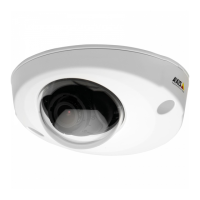
AXISP38PanoramicCameraSeries
Repainttheproduct
7
Springclip
8
Springholder
9
Mountingbracket
10
Lid
1.Removetheweathershield,ifit’salreadyattachedtothedomecover.
2.Removethedome.
3.Removethecameraunitbypressingthetwospringholders.
4.Removethespringclipandthelid.
5.Removethedomefromthedomecoverbypressingthetwospringholders.
Repainting
1.Makesureallnecessarypreparationsofthepartstobepaintedhavebeenmade,seePreparationsonpage3.
5



 To Next Page