AXISQ1604NetworkCamera
VideoandAudio
providesconsistentlygoodimagequalityattheexpenseofincreasedbandwidthandstorageusageinlowlight.Limitingtheframe
sizeoptimizesbandwidthandstorageusage,butmaygivepoorimagequality.Topreventincreasedbandwidthandstorageusage,
themaximumframesizeshouldbesettoanoptimalvalue.
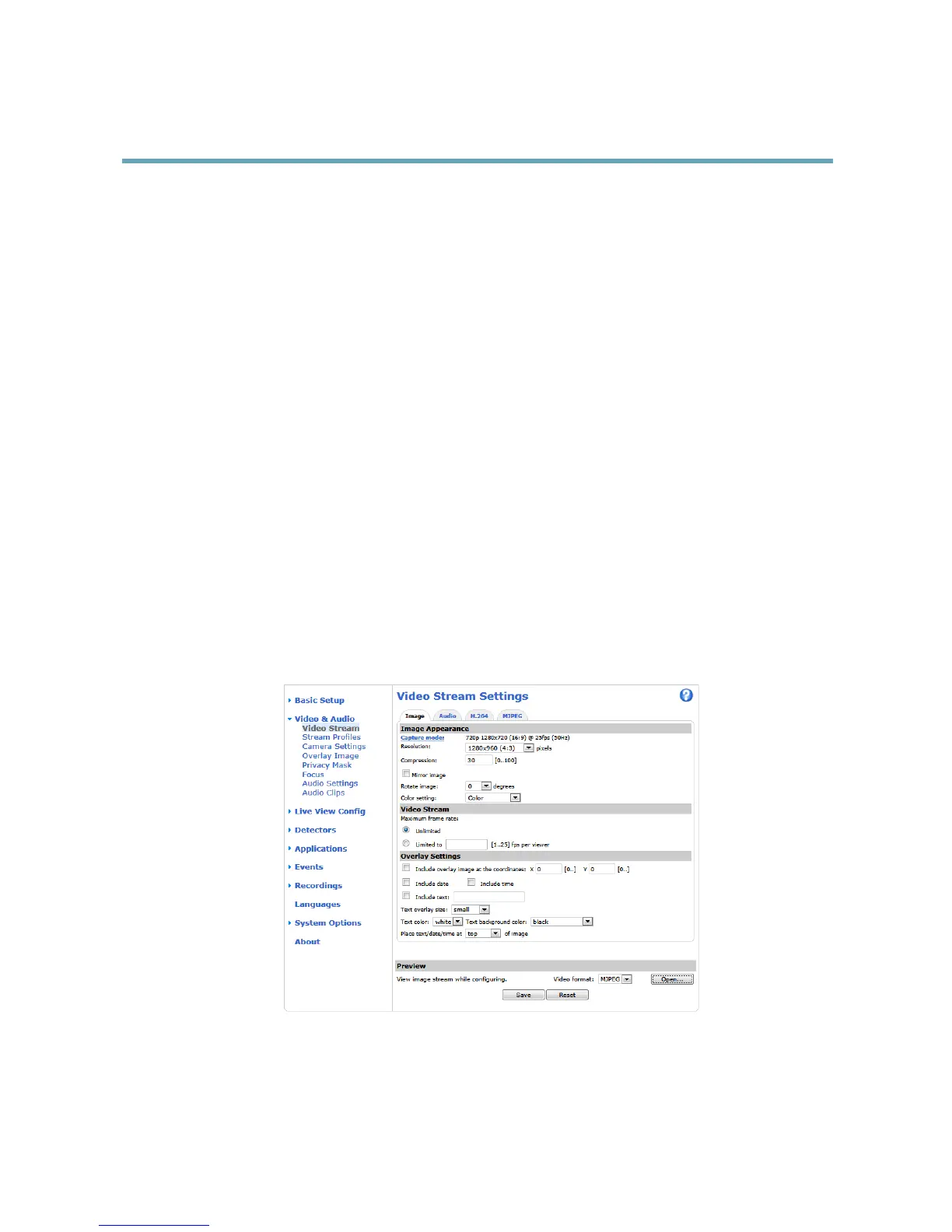
StreamProles
Astreamproleisasetofpredenedstreamsettingsincludingresolution,compression,framerateandoverlaysettings.Stream
prolescanbeused:
•Whensettinguprecordingusingactionrules.SeeEvents,onpage35.
•Whensettingupcontinuousrecording.SeeContinuousRecording,onpage39.
•IntheLiveViewpage–selectthestreamprolefromtheStreamproledrop-downlist.
Forquicksetup,useoneofthepredenedstreamproles.Eachpredenedprolehasadescriptivename,indicatingitspurpose.If
required,thepredenedstreamprolescanbemodiedandnewcustomizedstreamprolescanbecreated.
Tocreateanewproleormodifyanexistingprole,gotoSetup>Video&Audio>StreamProles.
ToselectadefaultstreamprolefortheLiveViewpage,gotoSetup>LiveViewCong.
CameraSettings
TheVideo&Audio>CameraSettingspageprovidesaccesstoadvancedimagesettingsfortheAxisproduct.
CaptureMode
Thecapturemodesettingreducesimageickerinuorescentlightenvironmentsasimagedataissampledataratethatmatchesthe
localpowerlinefrequency.
Capturemodeissetthersttimetheproductisaccessed.Selectthecapturemodewiththepowerlinefrequency(50Hzor
60Hz)usedatthelocationoftheAxisproductandclickOK.
Whenusing50Hz,themaximumframerateislimitedto25fps.
Note
Powerlinefrequencyisdifferentindifferentgeographicregions.IntheAmericas,60Hzisusuallyused;mostotherpartsof
theworlduse50Hz.Localvariationsmayapply,alwayscheckwiththelocalauthorities.
Changingcapturemodewhentheproducthasbeenconguredisnotrecommendedasmostothersettingswillbeeitherremoved
orreset,forexample:
1.GotoSetup>Video&Audio>CameraSettings.
2.Selectthenewcapturemode.
3.ClickSave.
4.Reviewandrecongureallsettings,forexample:
-Streamproles
-Motiondetectionwindows
-Privacymasks
-Imageoverlays
-Exposurezones
21



 To Next Page
 Loading...







