AXISQ1798-LENetworkCamera
Additionalsettings
4.Rotatetheview90°or270°.
Findoutmoreataxis.com/axis-corridor-format.
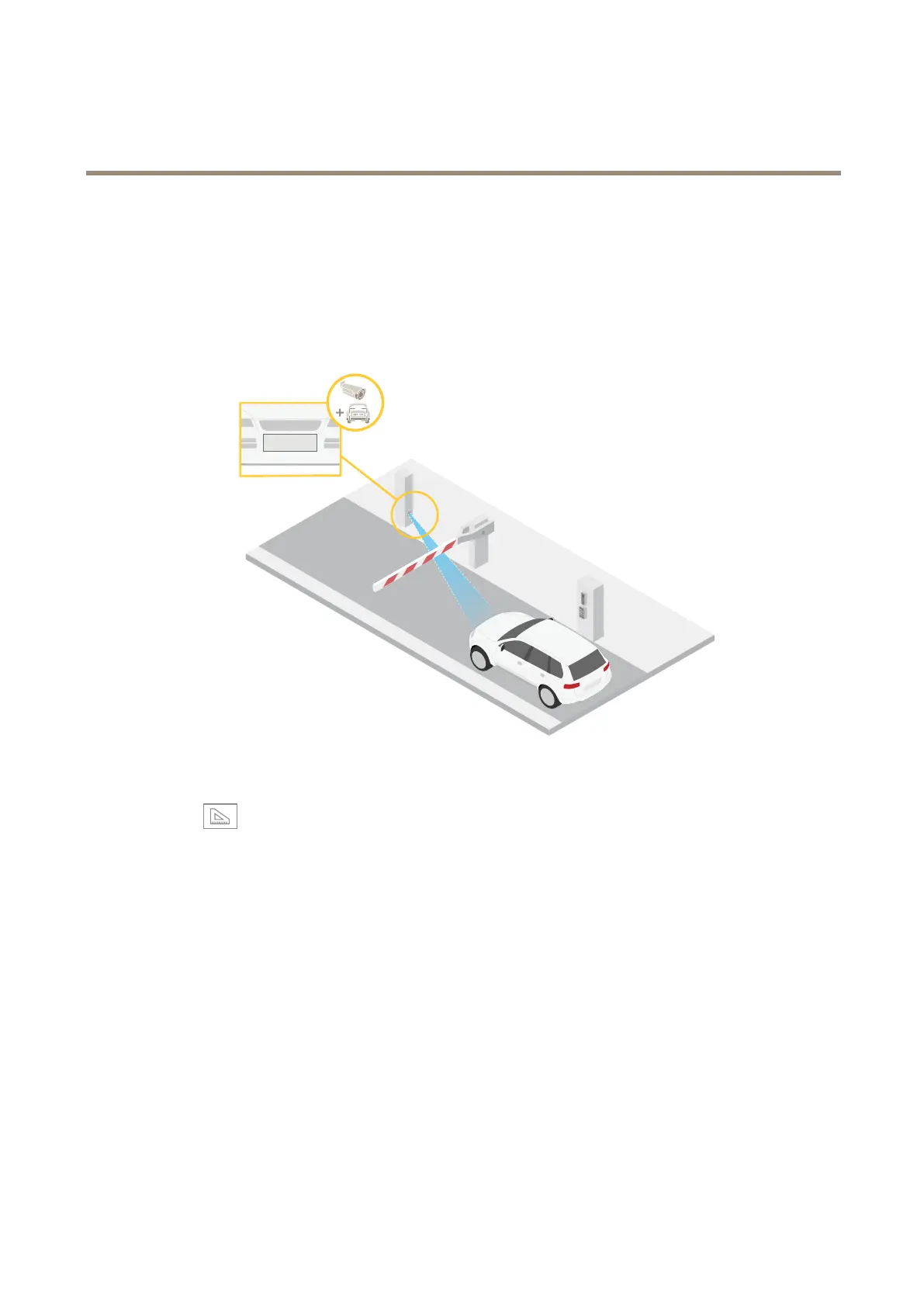
Verifythepixelresolution
Toverifythatadenedpartoftheimagecontainsenoughpixelsto,forexample,recognizelicenseplates,youcanusethepixel
counter.
1.GotoSettings>System>Orientation.
2.Click
.
3.Inthecamera’sliveview,adjustthesizeandpositionoftherectanglearoundtheareaofinterest,forexamplewhereyou
expectlicenseplatestoappear.
Youcanseethenumberofpixelsforeachoftherectangle’ssides(XandY),anddecideifthevaluesareenoughfor
yourneeds.
Optimizetheimagefortrafcsurveillance
Togetthebestpossibleimagefortrafcsurveillance,usetheAXISTrafcWizardincombinationwiththeTrafcoverviewscene
prole.
1.GotoSettings>Apps>AXISTrafcWizard.
2.Starttheapplicationifitisnotalreadyrunning.
3.Tosetuptheapplication,clickOpen.
4.Selectunits(metricorimperial).
5.EnterthevaluesforRoaddistance,Cameraheight,VehicledistanceandMaxspeed.
12



 To Next Page