AXISPTZCamera
Instructions
•Selectcameralocation,placementandinstallationmaterialswithcare.
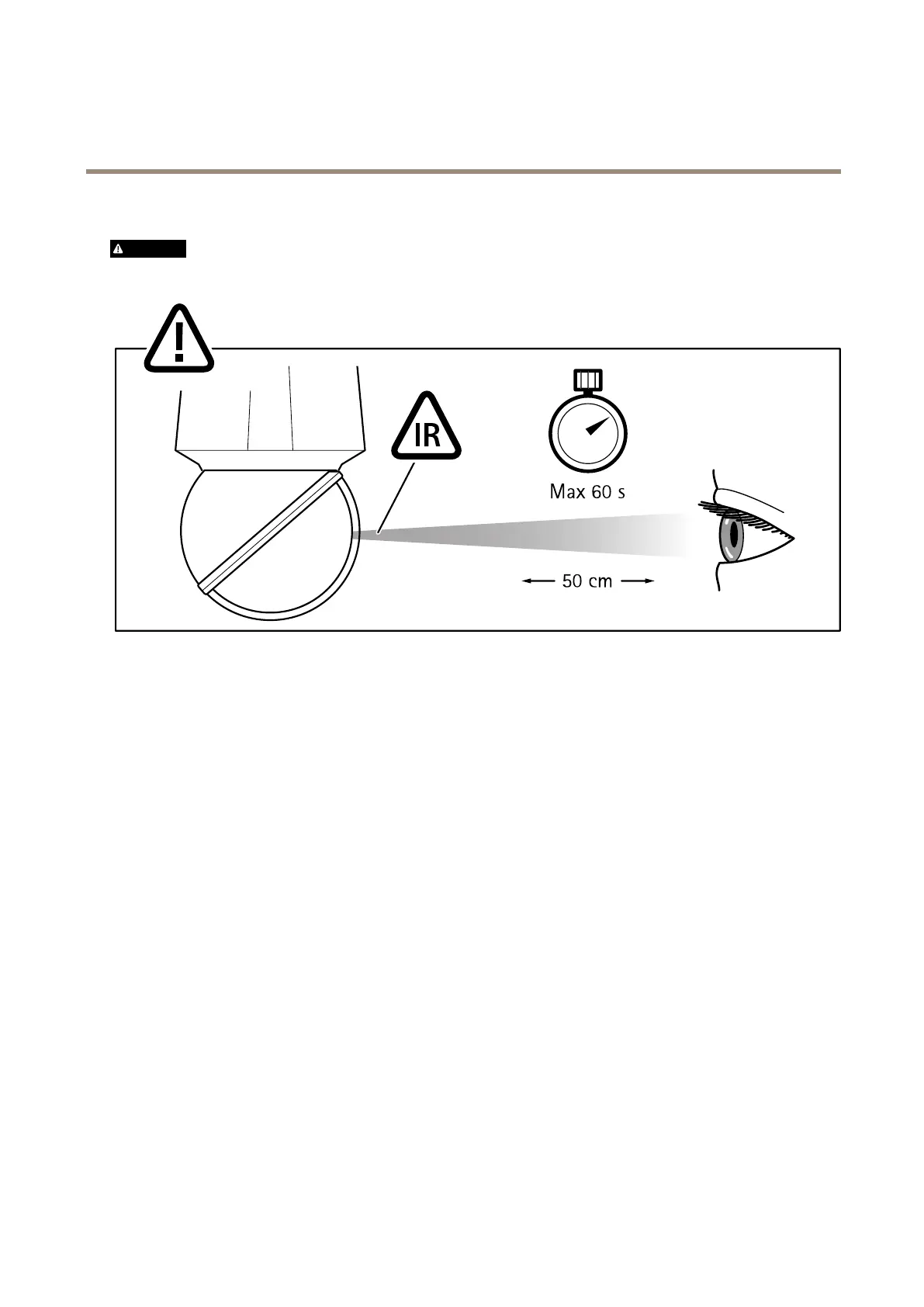
WARNING
IfyourcamerahasIR,don’tlookattheoperatinglamp
Domecovercleaning
Purpose:Maintainimagequalityandavoidfocusingproblems.
Actions:
•Forgeneralcleaningofadomecover,useanon-abrasive,solvent-freeneutralsoapordetergentwithwaterandasoft
cloth.Rinsewellwithcleanlukewarmwater.Drywithasoftclothtopreventwaterspotting.
•Fordetailedinstructions,seethedevice’susermanual.
Scratchesandcracksinthedomecover
Purpose:MaintainimagequalityandtheIPratingofthecamera.
Actions:
•Inspectthedomecoverforscratchesandcracks.Ifyoundseverescratchesorcracks,replacethedomecovertoensure
imagequalityandtomaintainthecamera’sIPrating(astableenvironmentinsidethecamera).
•Seethedevice’sinstallationguideonhowtoreplacethedomecover.
•AreplacementdomecovercanbeorderedasasparepartbyanAxisreseller.
Screws
Purpose:KeepthecameraprotectedagainstincidentsandmaintaintheIPrating.
Actions:
7


 To Next Page
 Loading...








