45
AXIS Q6034-E - Troubleshooting
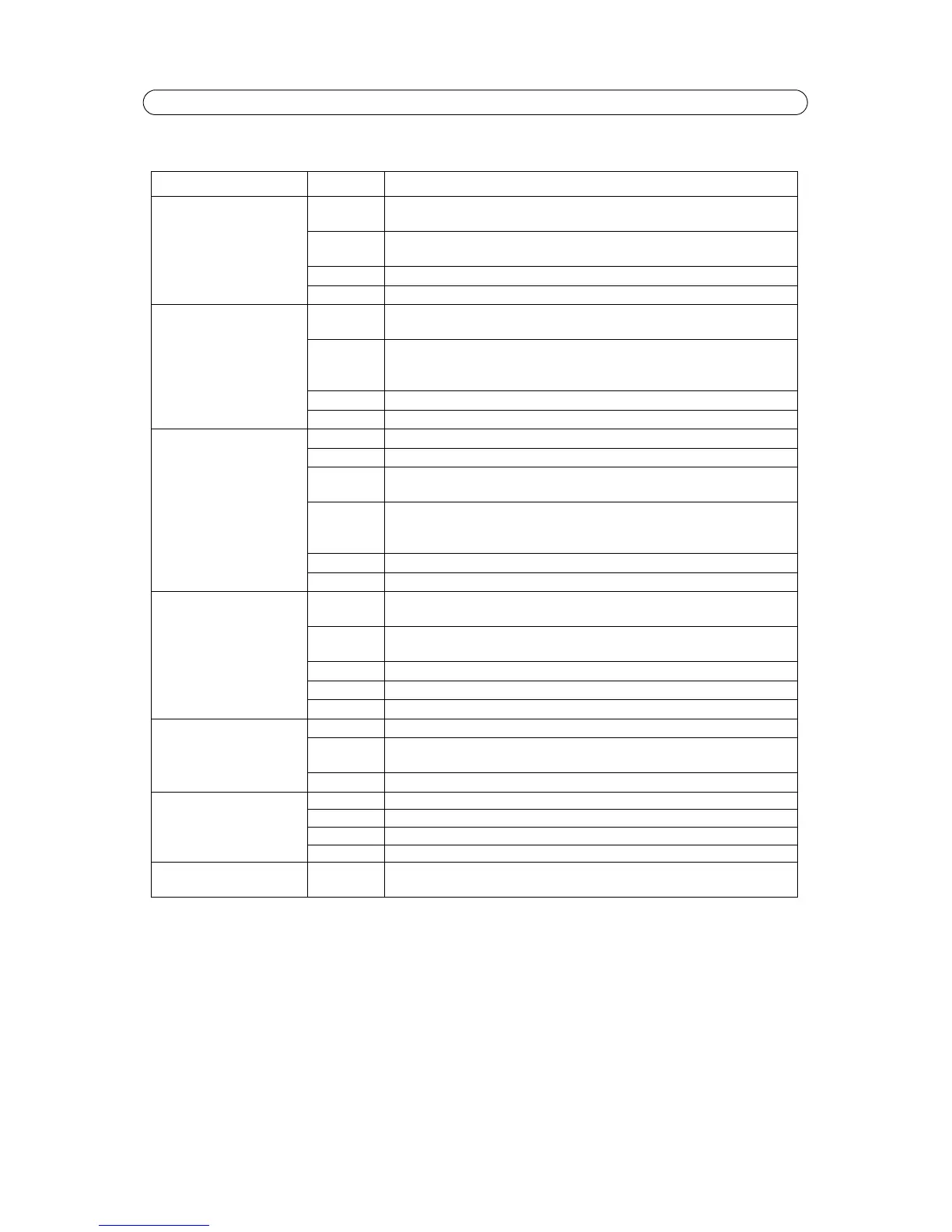
LED Indicator flash routine
* RFL (Resident Firmware Loader) check is a checksum method used to ensure that the software loading and starting the firmware works
correctly.
Case Color Description
Normal boot sequence Unlit Power on
RFL check*
Amber Kernel booting
System initiating
Green Shows steady green for 10 sec. for normal operation af
ter restart.
Unlit Steady connection/normal operation
Hard Factory Default Unlit Power on
RFL check*
Amber Steady - Kernel booting
Flashes - Firmware restore
Steady - System initiating
Green Shows steady green for 10 sec. for normal operation af
ter restart.
Unlit Steady connection/normal operation
Flash Upgrade Unlit Steady connection/normal operation
Amber Flashes - Firmware upgrade
Unlit Reset
RFL check*
Amber Steady - Kernel booting
Flashes - Firmware restore
Steady - System initiating
Green Shows steady green for 10 sec. for normal operation af
ter restart.
Unlit Steady connection/normal operation
No Network Unlit Power on
RFL check*
Amber Kernel booting
System initiating
Amber/red Flashes - No network
Green Shows steady green for 10 seconds for normal operation after restart
Unlit Steady connection/normal operation
AXIS DynDNS Unlit Steady connection/normal operation
Green Flashes- Dyn DNS connecting
Steady - DynDNS connection successful
Unlit Steady connection/normal operation
AVHS
Unlit Steady connection/normal operation
Green Flashes - Initiating
Amber Flashes - Connection successful
Unlit Steady connection/normal operation
Bad Checksum Red Flashes - RFL check* failed
See
Emergency Recovery Procedure,
on page 41.



 To Next Page