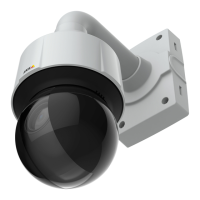
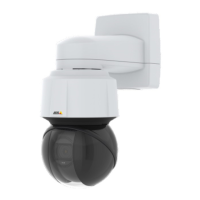
AXISQ6100-ENetworkCamera
Additionalsettings
ImagewithoutWDR.
ImagewithWDR.
Note
WDRmightcauseartifactsintheimage.
1.GotoSettings>Image>Widedynamicrange.
2.TurnonWDR.
3.Ifyoustillhaveproblems,gotoExposureandadjusttheExposurezonetocovertheareaofinterest.
FindoutmoreaboutWDRandhowtouseitataxis.com/web-articles/wdr.
Hidepartsoftheimagewithprivacymasks
Youcancreateoneorseveralprivacymaskstohidepartsoftheimage.
1.GotoSettings>Privacymask.
2.ClickNew.
3.Adjustthesize,color,andnameoftheprivacymaskaccordingtoyourneeds.
Viewandrecordvideo
Tolearnmoreaboutsettingsforviewingandrecordingvideo,seeStreamingandstorageonpage13.
Reducebandwidthandstorage
Important
Ifyoureducethebandwidthitcanresultinlossofdetailsinthepicture.
1.GotoliveviewandselectH.264.
8



 To Next Page