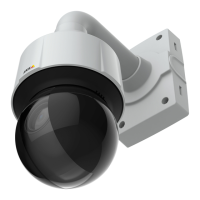
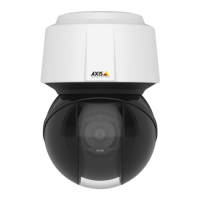
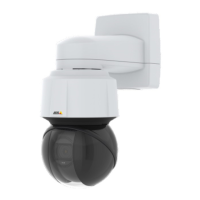
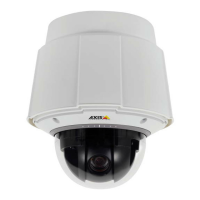
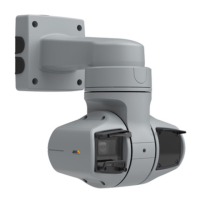
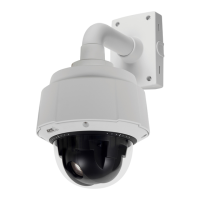
AXISQ6114-EPTZDomeNetworkCamera
PTZ(PanTiltZoom)
PTZ(PanTiltZoom)
PresetPositions
Apresetpositionisasavedviewthatcanbeusedtoquicklysteerthecameratoaspecicposition.Apresetpositionconsistsof
thefollowingvalues:
•Panandtiltpositions
•Zoomposition
•Focusposition(manualorautomatic)
•Irisposition(manualorautomatic)
AccessthePresetPositions
Presetpositionscanbeaccessedinseveralways:
•ByselectingthepresetfromthePresetpositionsdrop-downlistintheLiveViewPage.
•Whensettingupactionrules.Seepage34.
•Whensettingupguardtours.Seepage26.
•WhensettinguptheGatekeeper.Seepage26.
AddaPresetPosition
1.GotoPTZ>PresetPositions.
2.Clickintheimageorusethecontrolstosteerthecameraviewtothedesiredposition,seePresetPositions.
3.EnteradescriptivenameintheCurrentpositioneld.
4.Ifrequired,selectUsecurrentpositionasHome.
5.ClickAddtosavethepresetposition.
Toincludethepresetpositionnameintheoverlaytext,gotoVideo,selectIncludeoverlaytextandenterthemodier#Pinthe
eld.Formoreinformationaboutmodiers,seeFileNaming&Date/TimeFormatsintheonlinehelp
.
SettheHomePosition
TheHomepositionisreadilyaccessiblebyclickingtheHomebuttonontheLiveViewpageandinthePresetPositionssetupwindow.
Tosetacustomizedhomeposition,selectUsecurrentpositionasHomewhenaddingapresetposition.Theuser-denedhome
positionwillhave(H)added,forexample,Entrance(H).ThedefaultHomeposition,called“Home”,willstillbeavailable.
TheproductcanbeconguredtoreturntotheHomepositionwhenthePTZfunctionalityhasbeeninactiveforaspeciedlength
oftime.EnterthelengthoftimeintheReturntohomewheninactiveeldandclickSave.Setthetimetozerotopreventthe
productfromautomaticallyreturningtotheHomeposition.
SetNewPan0°
Important
SetnewPan0°affectsallpreviouslydenedpresets,guardtours,masksetc.
24


 To Next Page