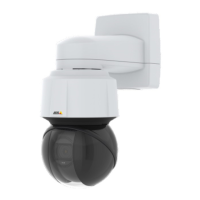
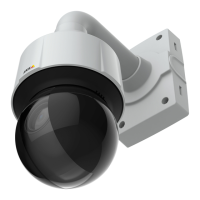
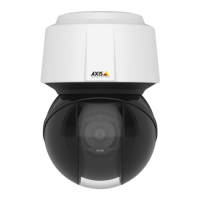
AXISQ6128-EPTZNetworkCamera
Video
2.SelecttheimagetousefromtheUseoverlayimagelistandclickSave.
3.GotoVideo>VideoStreamandselecttheImagetab.
4.UnderOverlaySettings,selectIncludeoverlayimageatthecoordinates.
5.Tocontroltheimage’sposition,entertheX(horizontal)andY(vertical)coordinates.TheX=0andY=0positionis
thetopleftcorner.Ifapartoftheimageispositionedoutsidethevideoimage,theoverlayimagewillbemovedso
thatthewholeimageisvisible.
6.ClickSave.
Aboutprivacymasks
Aprivacymaskisauser-denedareathatcoverspartsofthemonitoredarea.Privacymasksappearasblocksofsolidcolorandare
appliedonthevideostream.PrivacymaskscannotbebypassedusingtheVAPIX®applicationprogramminginterface(API).
ThePrivacyMaskList(Video>PrivacyMask)showsallthemasksthatarecurrentlyconguredintheAxisproductandindicates
iftheyareenabled.
Youcanaddanewmask,re-sizethemaskwiththemouse,chooseacolorforthemask,andgivethemaskaname.
Formoreinformation,seetheonlinehelp
Important
Addingmanyprivacymasksmayaffecttheproduct’sperformance.
21



 To Next Page