12
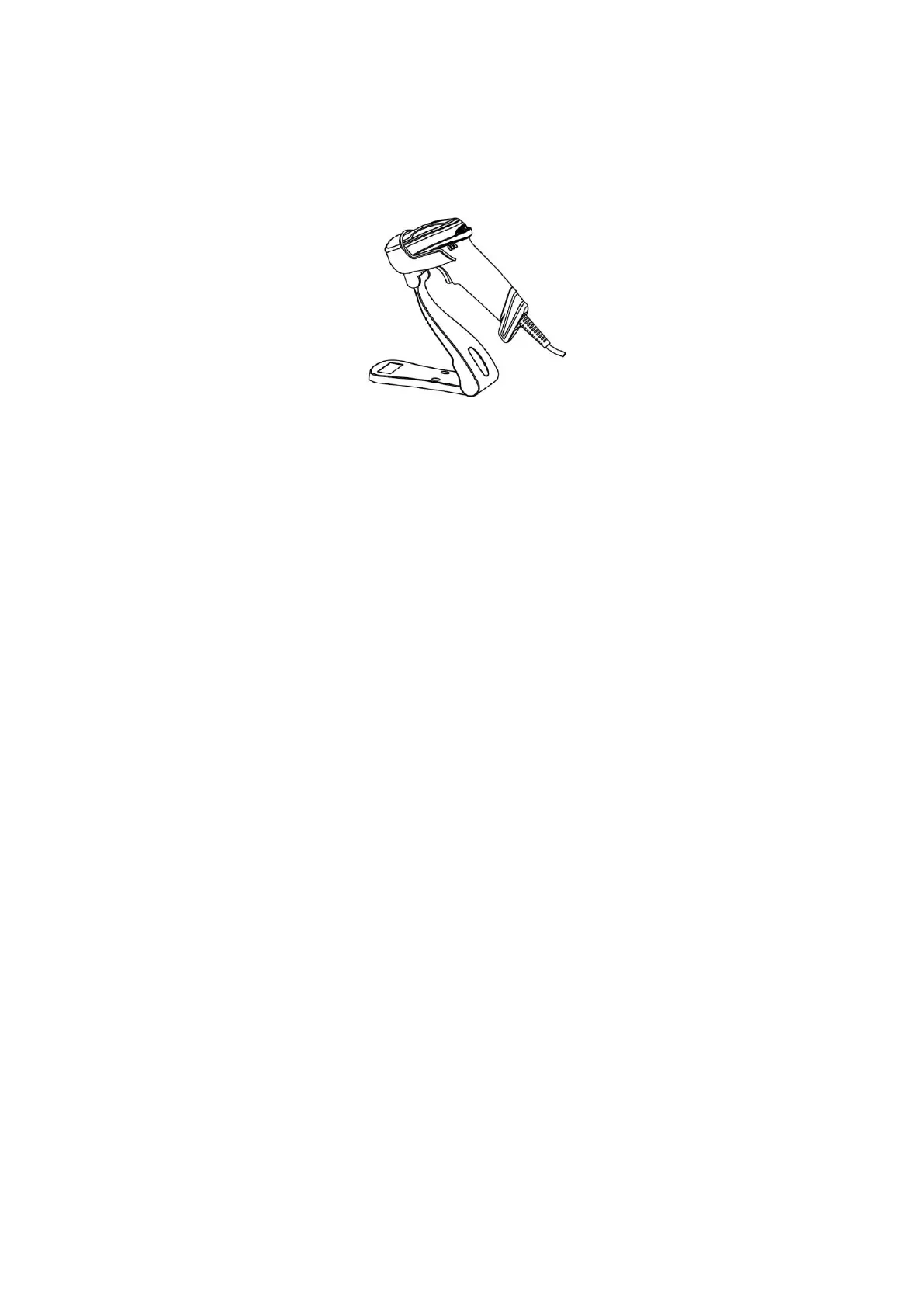
2-6 Auto-detection
Note: The stand is an optional accessory.
1. To scan a bar code, present the bar code and ensure that the scan angle from the scan window can
cover the symbol.
2. Upon successful decode, the scanner beeps and the LED lights.
3. When the scanner stops scanning, the present bar code must be removed to active next scanning.


 To Next Page
 Loading...