7
V201703A
2.3 Fault condition
Note:
When open the top cover, please have a look first, are there any obviously damaged parts?
When take the main board out, please have a look around, are there any obviously damaged
parts?
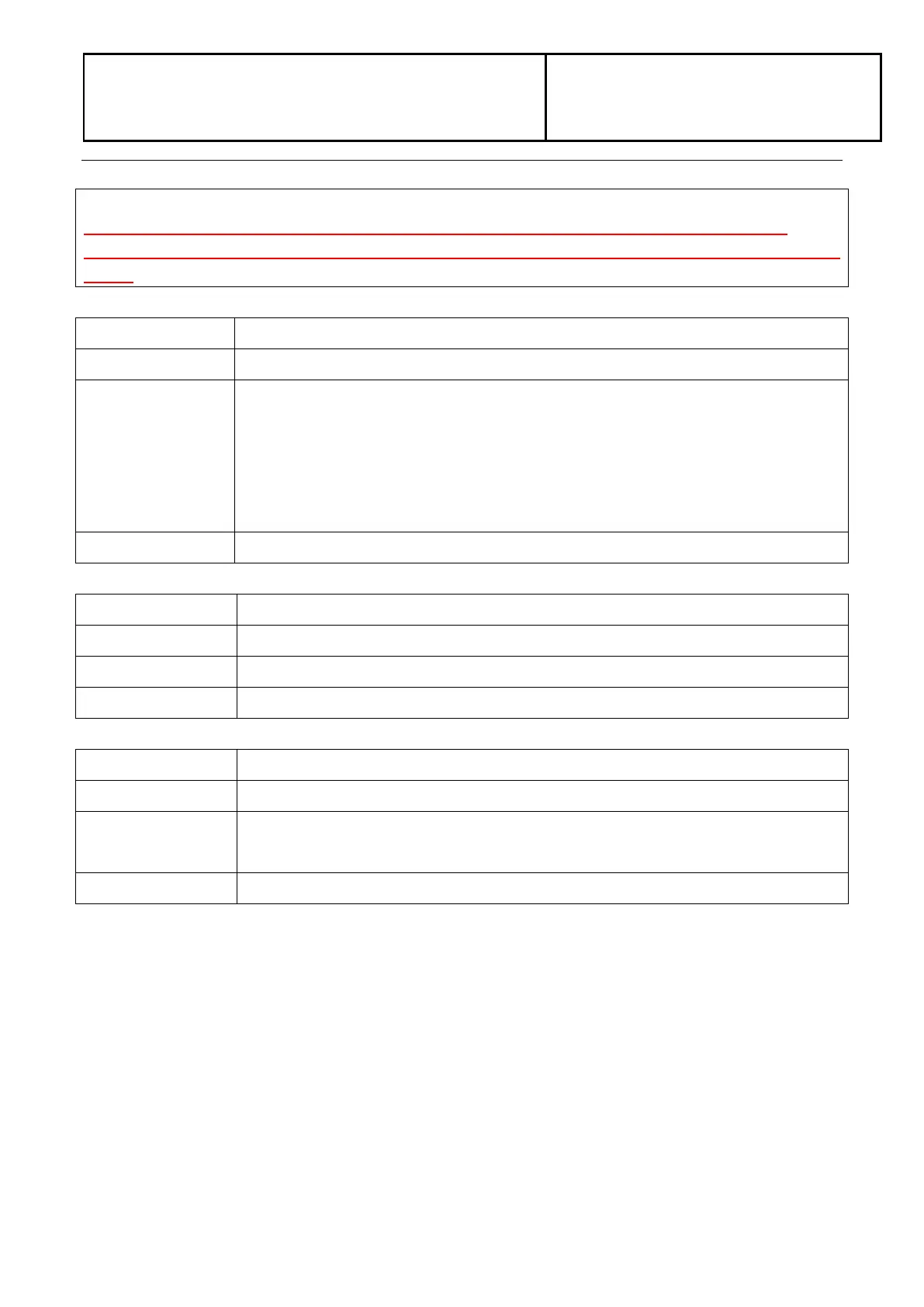
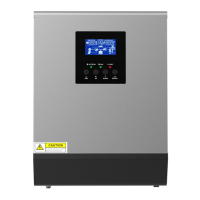
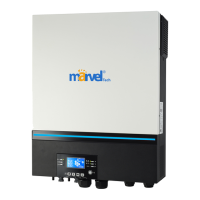
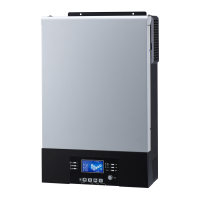
2.2.1. Not working at all/ No display
The inverter couldn’t startup completely.
1. Firstly, please measure the resistor between BAT+ and BAT-. If it is not shorted,
only connect the inverter with battery, and press “ON” button, could the inverter
startup? If not, please check the fan.
2. If the LCD couldn’t light up and fan doesn’t work, please disconnect all the wires
and open the top cover, and then take the main board outside by following part 4.
2.2.2. 09 fault
DC-DC module was damaged.
Check the main board by following “3.1~3.4”;
Repair the main board or replace it directly.
2.2.3. 56 fault
Battery couldn’t be detected.
Wire connection or fuse was burnt.
1. Check the wire connection, the priority of the battery cable;
2. Check the main board by following “3.1”.
Repair the main board or replace it directly.



 To Next Page