-18-
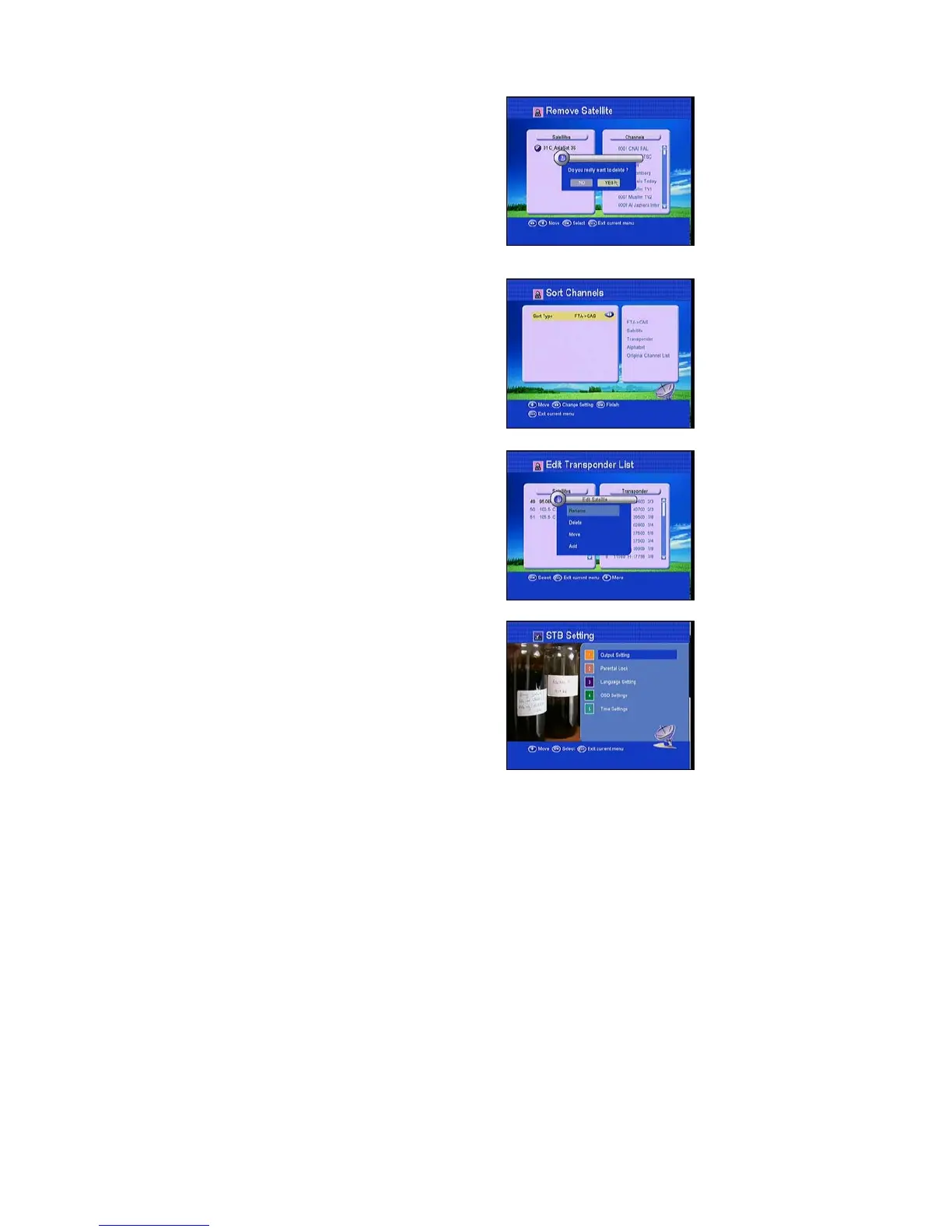
4.2.3 Remove Satellite
Select one satellite and press OK to mark, after
you exit this menu, you will be asked to confirm
whether delete the satellite or not. If you select
YES, all the channels in the selected satellite will
be deleted.
4.2.4 Sort channels
You can sort the channels in different sequence;
press OK on viewing mode you can check the
sorting result..
4.2.5 Edit Transponder list
Here if you press OK on the left you can rename
Delete, Move, and Add satellite. If you are on the
right and press OK, you can Delete, Edit and
add transponder.
4.3 STB Setting
Here you can setup Menu Language, audio
Language, TV output and Time setting
according to your country.



 To Next Page