-19-
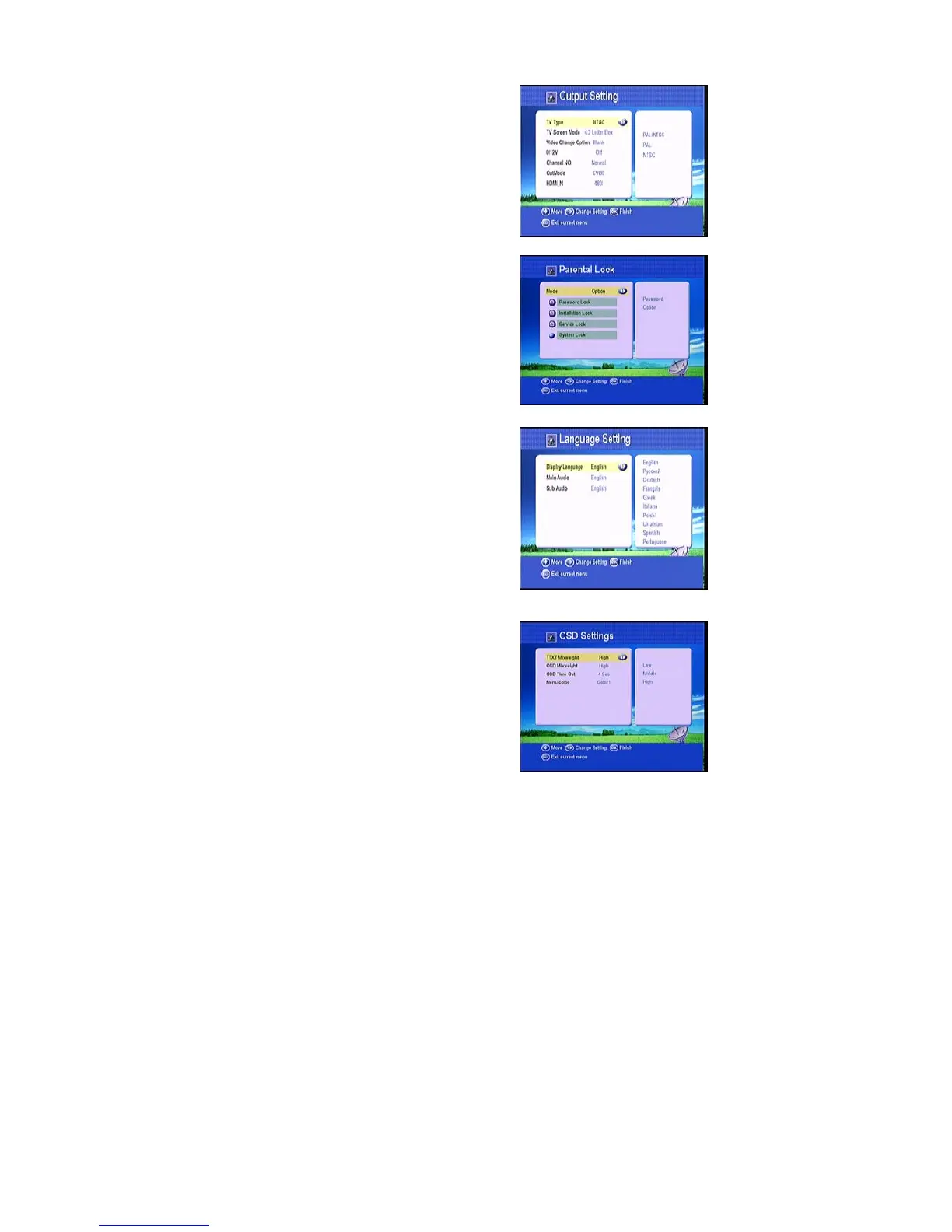
4.3.1Output Setting
You can setup TV type PAL/NTSC, select TV
screen mode either 4:3 or 16:9 according to the TV
type and choose Scart output either CVBS or RGB
according to the Standard of your country. You
also can set the video change.
4.3.2Parent Lock
This function prevents children or unauthorized
persons from watching programs. You can select if
need the password or not for Installation, Service
and System, also you can change the Password,
the default password is 0000.. When you choose
yes, you can “change the password option to
unlock or lock some menu enter.
4.3.3Language Setting
You can setup the menu language, audio language
according to the standard of your country.
4.3.4 OSD Setting
Here you can setup the menu background,
transparency and color, and help information for
menu, Time out means the duration of the
information bar.



 To Next Page