-21-
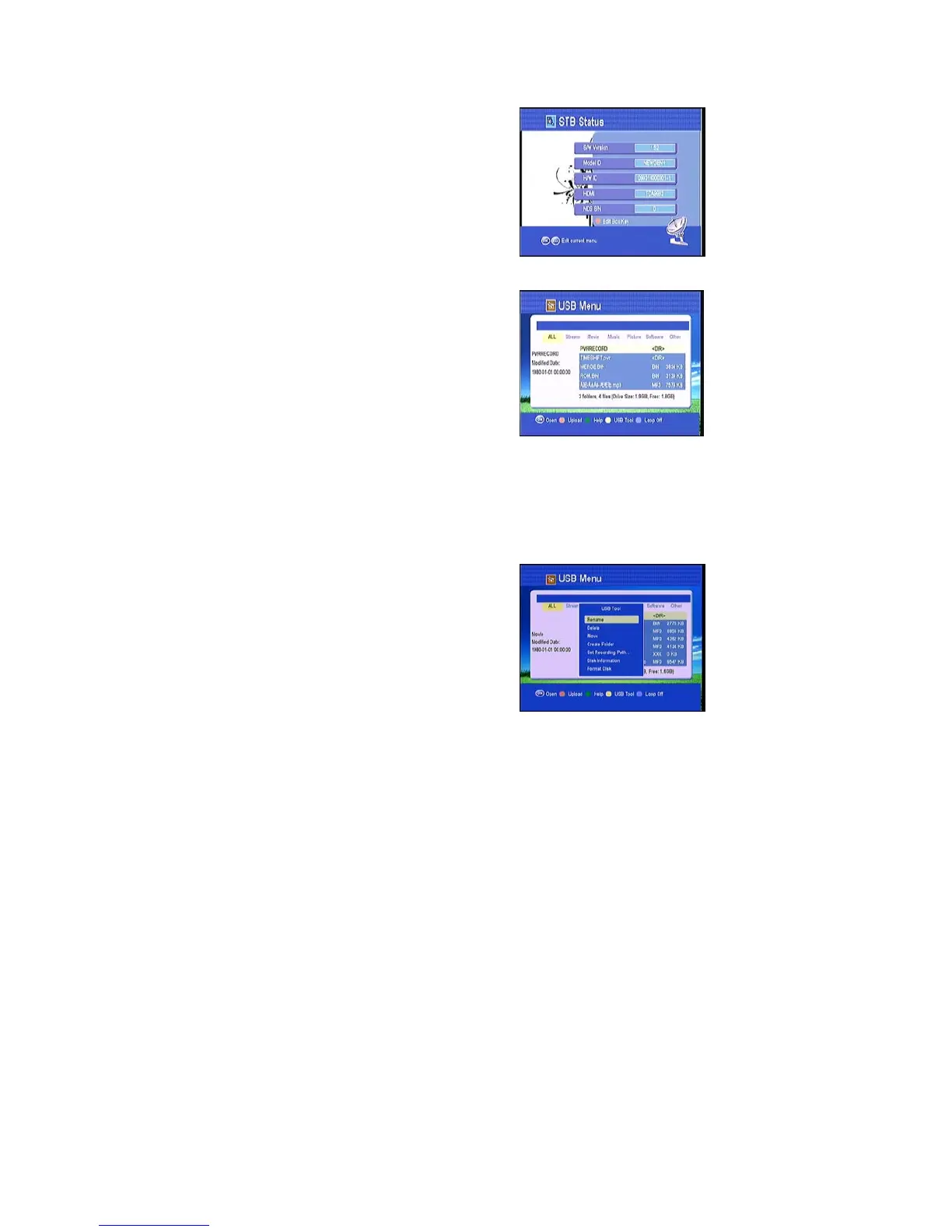
4.4 STB Status
In this window, you can get the information about
the STB, such as product name, software &
hardware ver, loader ver and so on. When you
need service from the dealer you need to submit
this information in order go get the correct and fast
after sales service.
4.5 USB menu
Press USB key to enter USB menu. The current
directory path display on the top part of the menu.
The default file list is composed of all files and
subfolders in the current path.
All supported files can be opened by pressing “OK” key, and these files such as*.mp3,
*.jpg, *.bmp, *.dat, *.mpg, *.VOB, can also be opened by pressing
key.
1) Press / key to switch to a specific file list of the current folder
2) Press OK key to play the selected file
1) Press Blue button change loop off/on.
2) Press Green button get help message.
3) Press RED button upload the software.
4) Press the Yellow key, enter USB tool,
you can rename &delete& move the file or format
the disk and other’s function, select one which you
want.



 To Next Page