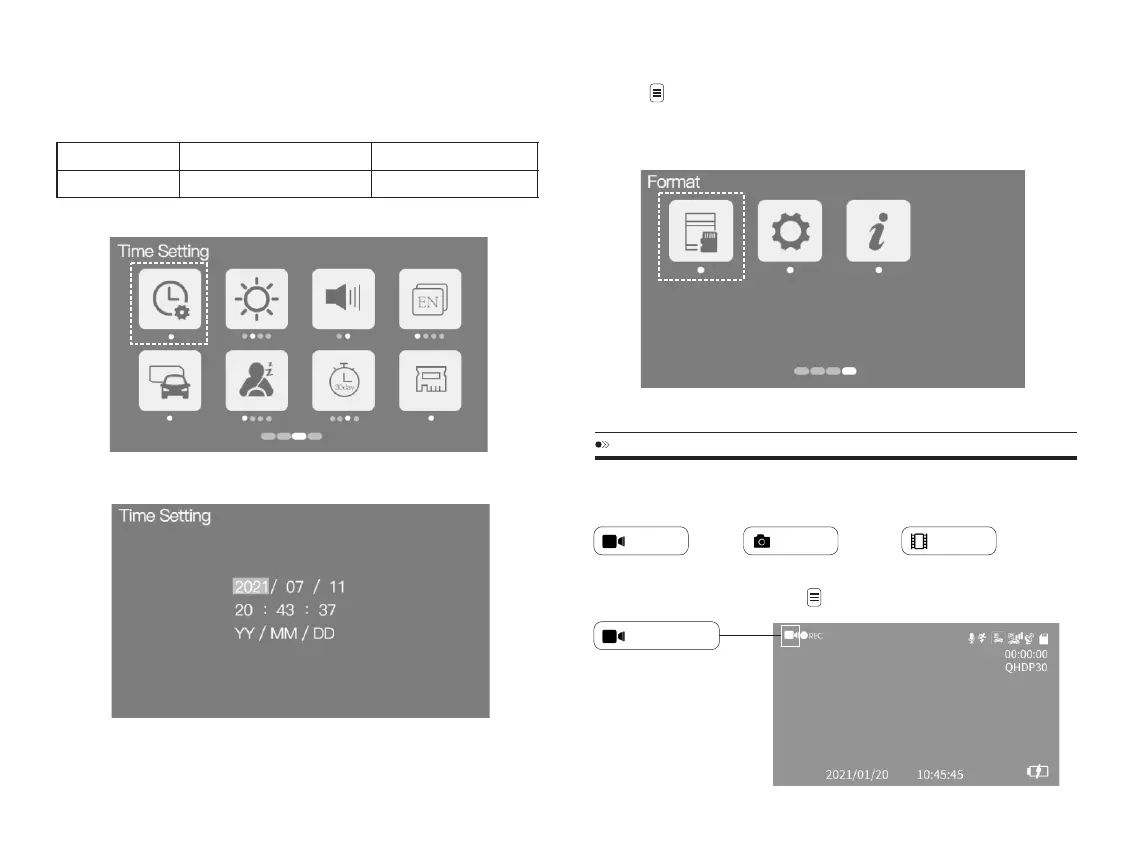
②SettheDate/time.Thedashcamerawillupdatedthedateandtimebased
ontheUTC/GMTvalueselectionautomaticallywhenitreceivestheGPSsignal.
FORMATTINGMEMORYCARD
1.PresstoentertheSettingsMenu.
2.Select“ Format”.
4.Select“ OK”.
MODE(VIDEO/PHOTO/PLAYBACK)SETTING
AZDOMEdashcamhasTHREEdifferentcameramodes:
Video Photo Playback
Toshiftmode:Pressandholdfor2seconds.
VideoMode
EN-14 EN-15
TimeZones
BritishSummerTime BritishWinterTime
GMT/UTC+1 GMT/UTC±0



 To Next Page