Need help?
Do you have a question about the Azio KB335 and is the answer not in the manual?
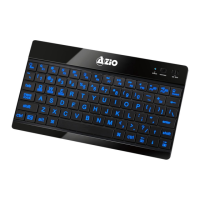
Key characteristics of the tablet keyboard.
Items included with the keyboard purchase.
Technical details and capabilities of the keyboard.
Instructions for charging the device's battery.
Step-by-step guide for connecting the keyboard via Bluetooth.
Explains the use of the Fn key with other keys for special functions.
How to switch between different operating system modes.
Description of the LED lights and their meanings.
Ways to reach AZIO for assistance and support.
Details of the product's limited warranty coverage and terms.
Procedures for obtaining warranty repair or replacement.
FCC compliance statement regarding radio frequency interference.
 General
| Type | Mechanical |
|---|---|
| Connectivity | Wired |
| Interface | USB |
| Keyboard Color | Black |
| Key Rollover | N-Key Rollover |
| Key Switch | Blue |

 To Next Page