4. Power sources
This keyboard can be powered by the following three power sources.
Primary battery (non-chargeable battery): 2 x AAA batteries are needed for
operation. 3.0V to 2.0V only.
Re-chargeable battery: 2 x AAA NI-MH batteries. 2.4V to 2.0V. When battery
LED is on, you can connect a USB cable to charge the battery.
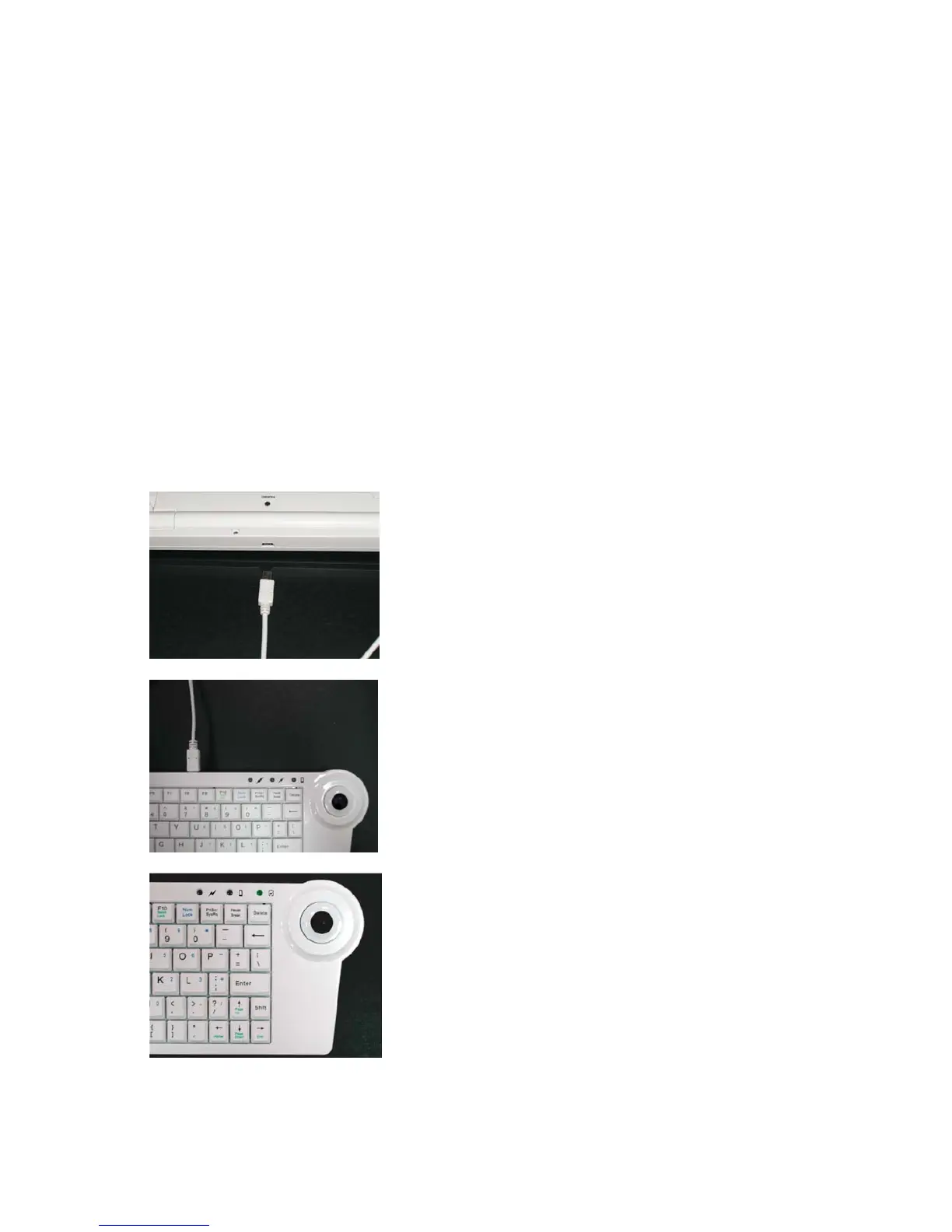
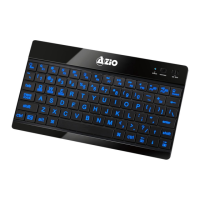
USB bus power: Via mini-USB connector. Once a USB cable is plugged into the
mini-USB connector and the other end is connected to a PC, the keyboard can
be operated by USB power. In the meantime, if a pair of re-chargeable
batteries are installed, the batteries can be charged. In the charging mode,
the right most LED starts to flash and then remains on when it’s at full charge.
The complete charging period is about 3-4 hours for an empty battery.
Please note: do not attempt to charge non-rechargeable batteries.


 To Next Page